

As I was learning about Matter Device Energy Management, I came across another protocol called OpenADR.
OpenADR (Open Automated Demand Response) is a protocol that enables two-way communication between those that make or distribute power and those that consume it.
It’s a technology that would enable your electricity provider to reach into your home. If there was surplus electricity, they could switch on some appliances. If there was too much demand, they could pause or reduce load from appliances for short periods.
In the diagram below, you can see the hierarchy of VTN and VEN. VTN is Virtual Top Node and VEN is Virtual End Node. You’ll find plenty of information about these on the web, so I won’t repeat myself.

As an Octopus Energy customer, I’ve seen several of these events over the past few years. Times where you’re asked to reduce consumption and times where you’re asked to go nuts. Whilst these are great, they are quite *manual*.
OpenADR is a technology that would help automate this process on your behalf.
I wanted to find out more about how it worked and, thankfully, there are some code samples.
Setting up the samples
I found some samples on Github – https://github.com/OpenLEADR/openleadr-rs. They are in a language called Rust, which I’ve heard of, but never used.
The starting point of an OpenADR system is the VTN or Virtual Top Node. It sits at the top of the pyramid as you can see in the diagram.
The samples use Docker, which makes my life much easier! After checking out the code, I navigated to the directory (in my case H:\Development\openleadr-rs) using Terminal (on Windows).
First up, I installed Rust from https://rustup.rs/
Next, I needed to install sqlx-cli (whatever that does!). I opened a fresh terminal and ran this
cargo install sqlx-cliI also needed to install postgresql-client. The instructions were very vague. I tried doing the same cargo install, but it didn’t recognise postgresql-client. A google revealed there are *lots* of postgresql clients, so I picked one – https://www.beekeeperstudio.io/
With the prerequisites installed (I think), I then ran the first command
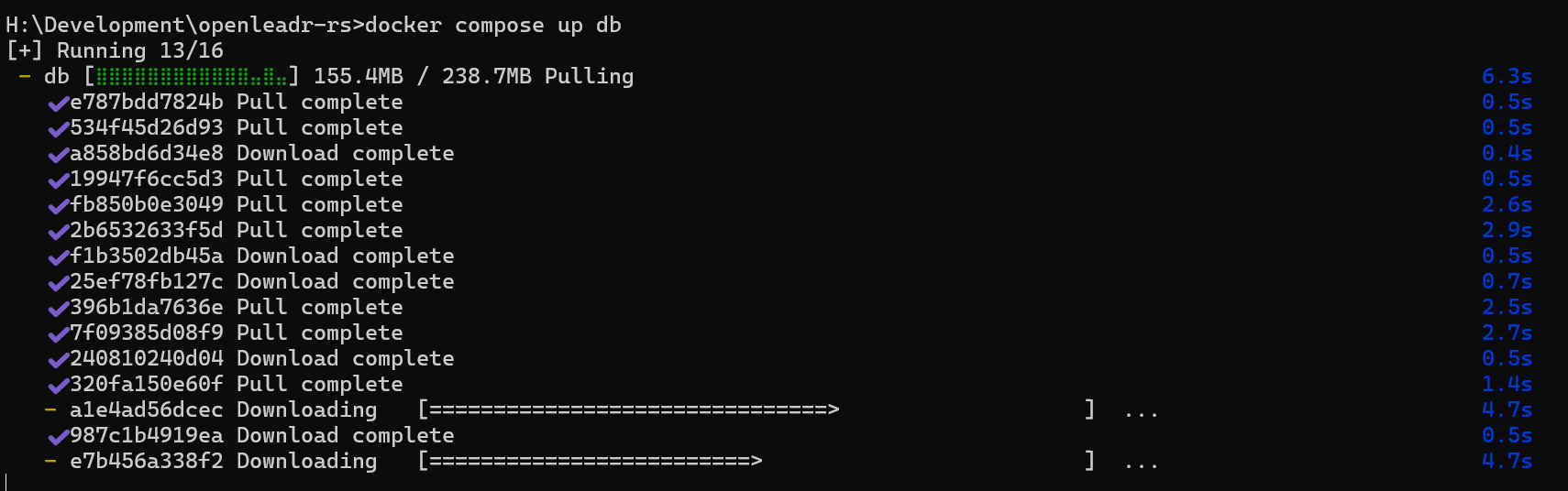
docker compose up -d dbThis pulls down the database and sets it up. Docker is pretty great.
I peaked in Docker Desktop to see the new container

I switched back to the directory Migrations command was next (don’t forget to return to the openleadr-r directory)
cargo sqlx migrate runThis completed with

It was now time to start everything
docker compose up -dThen the wheels came off.

Linux to the rescue?
I wondered if WSL (Windows Subsystem for Linux) might be better?
For starters, the docker compose command didn’t work.

Turns out I needed to enable the WSL integration in Docker Desktop.
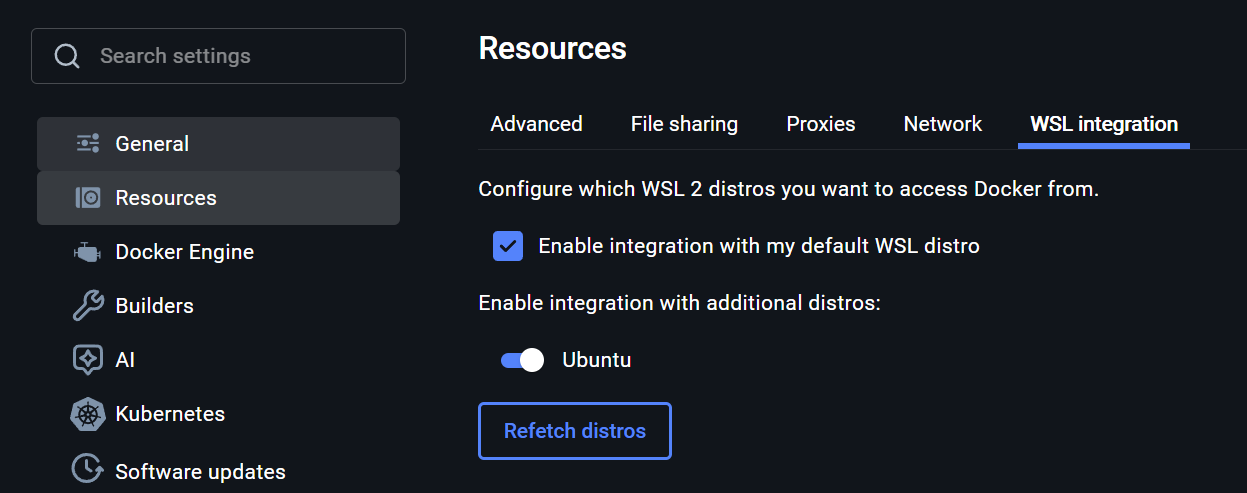
After that, docker compose worked fine!

I finished the install and, of course, it worked.

With it all started, I tried the port

I won’t lie. I was expecting some a webpage of some sort here 🤣
Using the VTN
With the VTN up and running, it was time to try some of the commands.
From the OpenADR specifications, there should be a /programs endpoint.

Invoking that from Postman leads to an actual result!

So needed a bearer token.
The documentation didn’t really include anything on this, beyond saying it would use an internal OAuth provider by default. I decided to check the database.
To get the credentials, I opened Docker Desktop and grabbed the environment variables
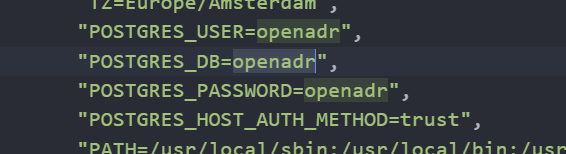
Using BeeKeeper studio, I connected to the database. The tables were all empty. I did expect a test user or something….
After a little digging around, I found there is a SQL file mentioned under testing

This required me to install psql (I didn’t need BeeKeeper studio at all!)
sudo apt-get install postgresql-clientI execute the sql command and got prompted for a password. As I’d looked it up, I know it was “openadr”
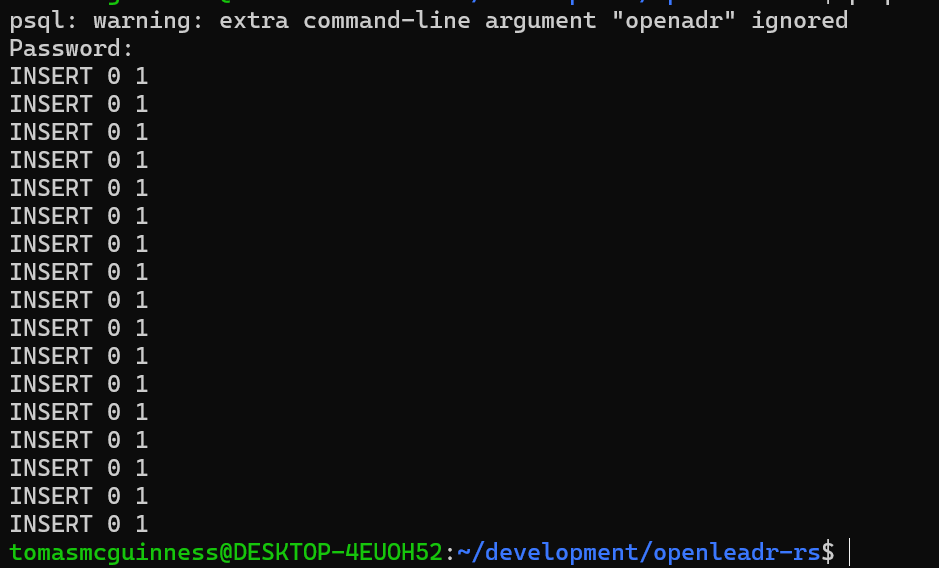
The users table in Postgresql now had a few rows

Now I had some users, I needed an access token. This involves a typical oauth request to /auth/token.
I passed client_id as “any-business” and guessed the client_secret would be “any-business” too.

This resulted in the successful generation of an access token!
With an access token in hand, I tried /programs again

This yielded an empty JSON array!
Summary
In this post, I setup an example OpenADR VTN from github.
It took a little digging, but I managed to invoke one of the expected endpoints. I now have a working VTN, but I didn’t really know how to use it!

I will start exploring the specification now and hopefully I can learn a little more about OpenADR!
Did you like reading this post?
If you found this blog post useful and want to say thanks, you’re welcome to buy me a coffee. Better yet, why not subscribe to my Patreon so I can continue making tinkering and sharing.
Be sure to check out my YouTube Channel too – https://youtube.com/tomasmcguinness
Thanks, Tom!
 @tomasmcguinness
Leave a comment