

I plan on building a simple Matter heat pump emulator, like I did with my Tiny Dishwasher project.
As heat pumps are designed to providing heating or cooling, a necessary component is a Thermostat. Before launching into the creation of a Tiny Heat Pump, I wanted to understand the Matter Thermostat. To do this, I figured I would implement one on an ESP32.
The Thermostat in Matter has actually got quite a lot of functionality.
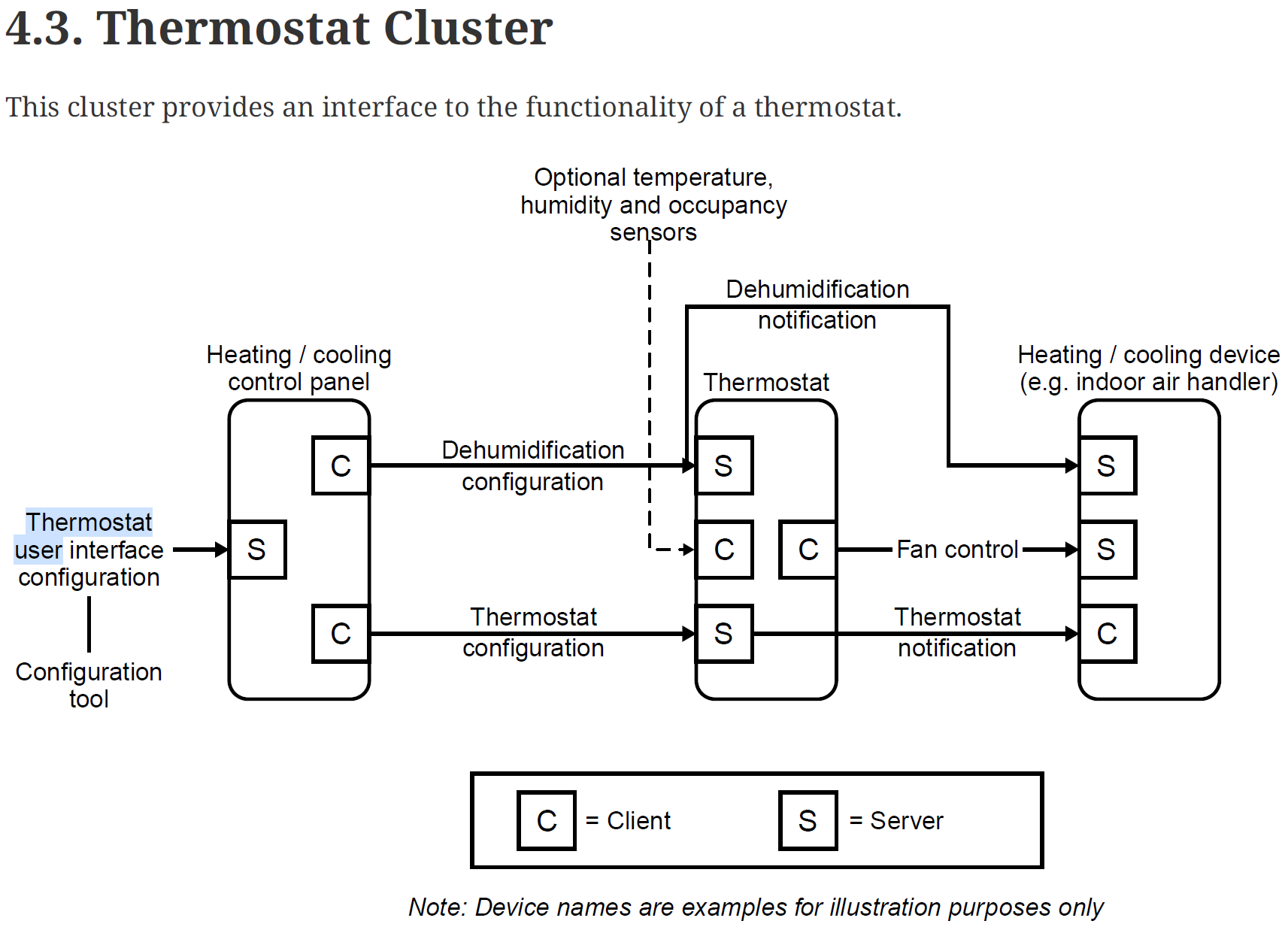
Getting Started
After cleaning out the light sample, I started by adding a thermostat endpoint
cluster::thermostat::config_t thermostat_cluster_config;

endpoint::thermostat::config_t thermostat_endpoint_config;
thermostat_endpoint_config.thermostat = thermostat_cluster_config;

endpoint_t *endpoint = endpoint::thermostat::create(node, &thermostat_endpoint_config, ENDPOINT_FLAG_NONE, NULL);
I compiled and flashed onto an ESP32-C6.
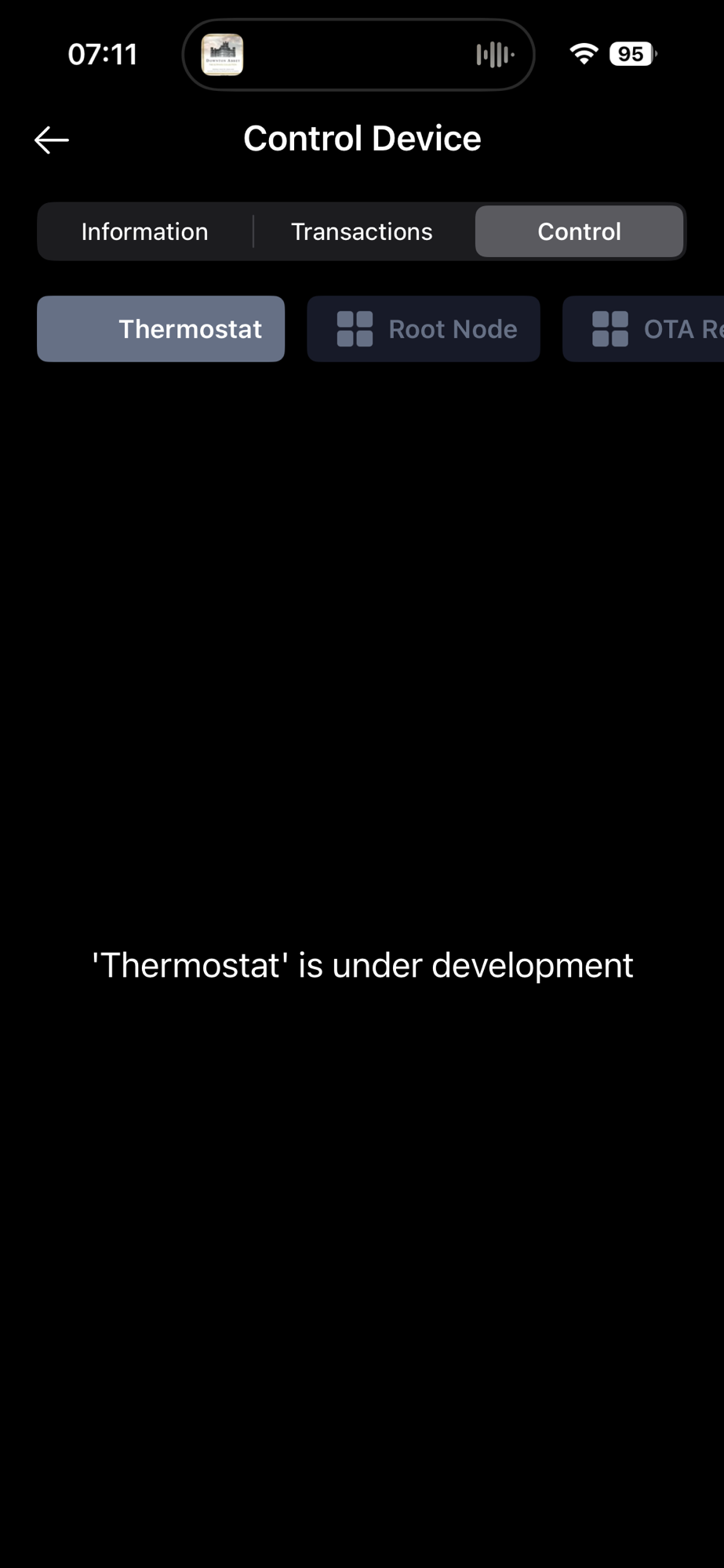
I paired it with the Matter Utilities app, but just like the Dishwasher before, it says it’s “In Development”. Not sure how useful this app if none of the more advanced clusters are in use.
The Aqara app did much better (as it always seem to!)
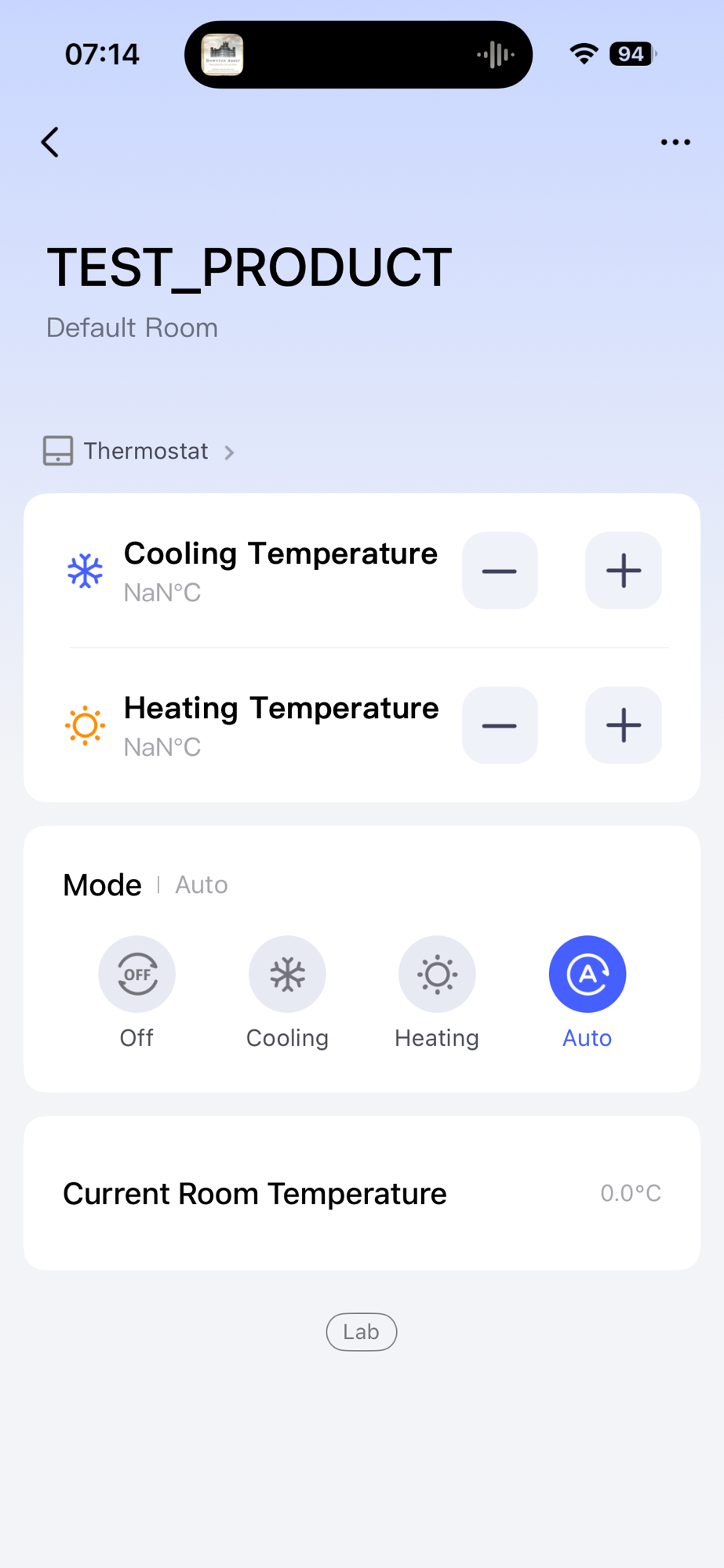
At this stage, none of the temperature options worked. Mode did alter the UI and update the attribute (0x1C is SystemMode)

Good start!
Setting Temperatures
First thing to resolve was the fact that both the Heating and Cooling temperatures showed NaN. An error also popped up I tapped plus or minus.
I dived into the code and quickly found the issue, which was backed up by this helpful error.

I resolved that by configuring a feature flag
thermostat_cluster_config.feature_flags = thermostat::feature::heating::get_id();I then found local_temperature could be set
thermostat_cluster_config.local_temperature = 1800;That rendered in the Aqara app
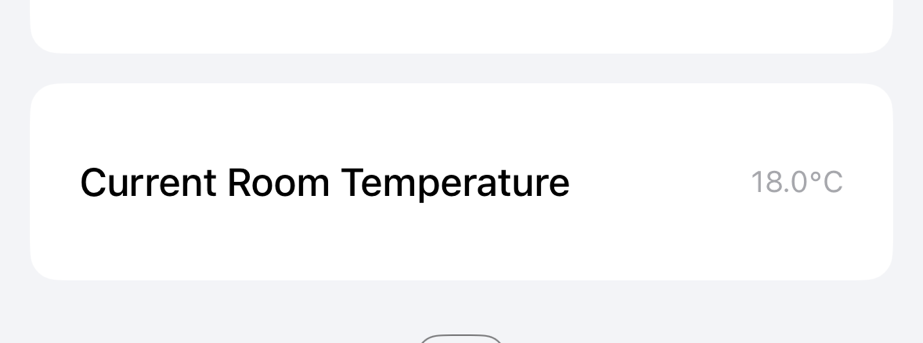
This also showed in iOS Home
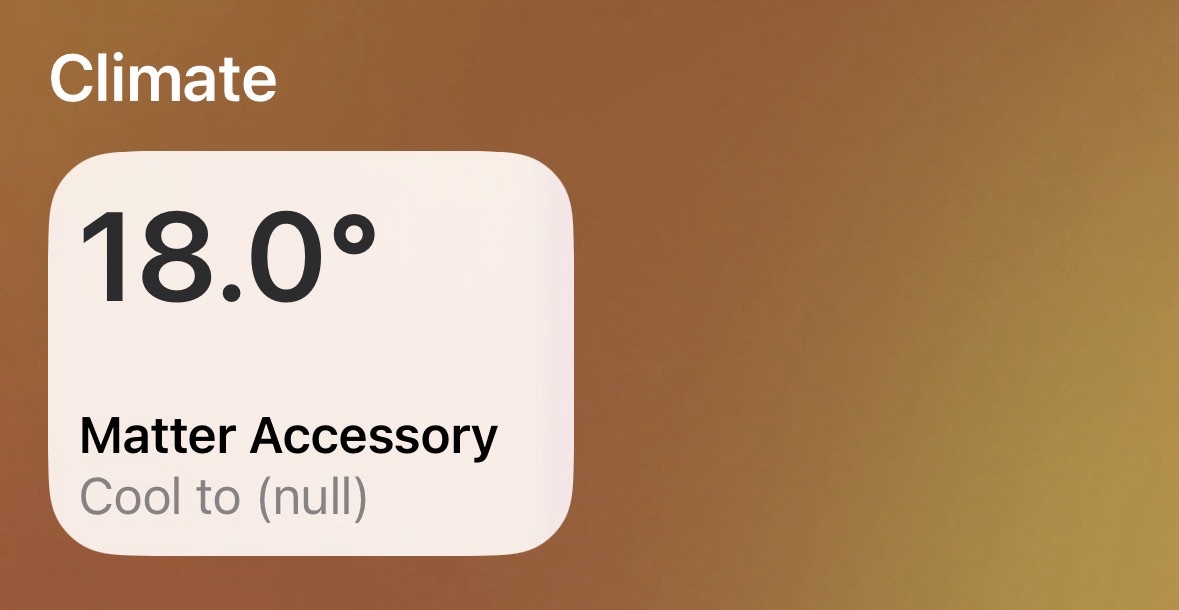
It really seemed to be getting confused as I explicitly stated that only the heating feature was enabled.
After a little digging I spotted this: The system_mode value was default to 1, which is AUTO.
config() : local_temperature(), control_sequence_of_operation(4), system_mode(1), delegate(nullptr), feature_flags(0) {}I changed this to 4, which represents heating
thermostat_cluster_config.system_mode = 4;The UI in iOS home improved a lot with this change
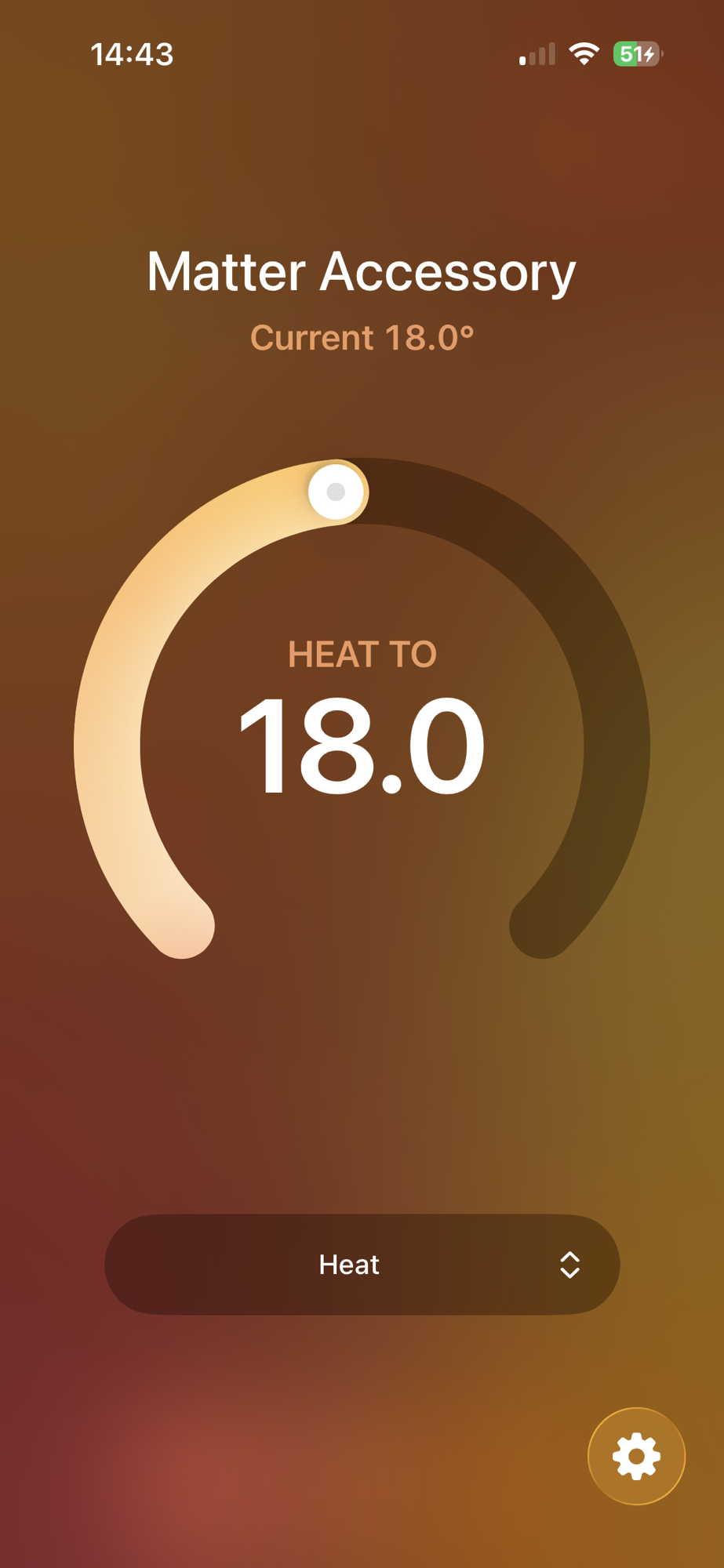
The options were now just Heat and Off, which made more sense. My delight was short lived. As soon as I flicked the option to Off, the UI went blank.
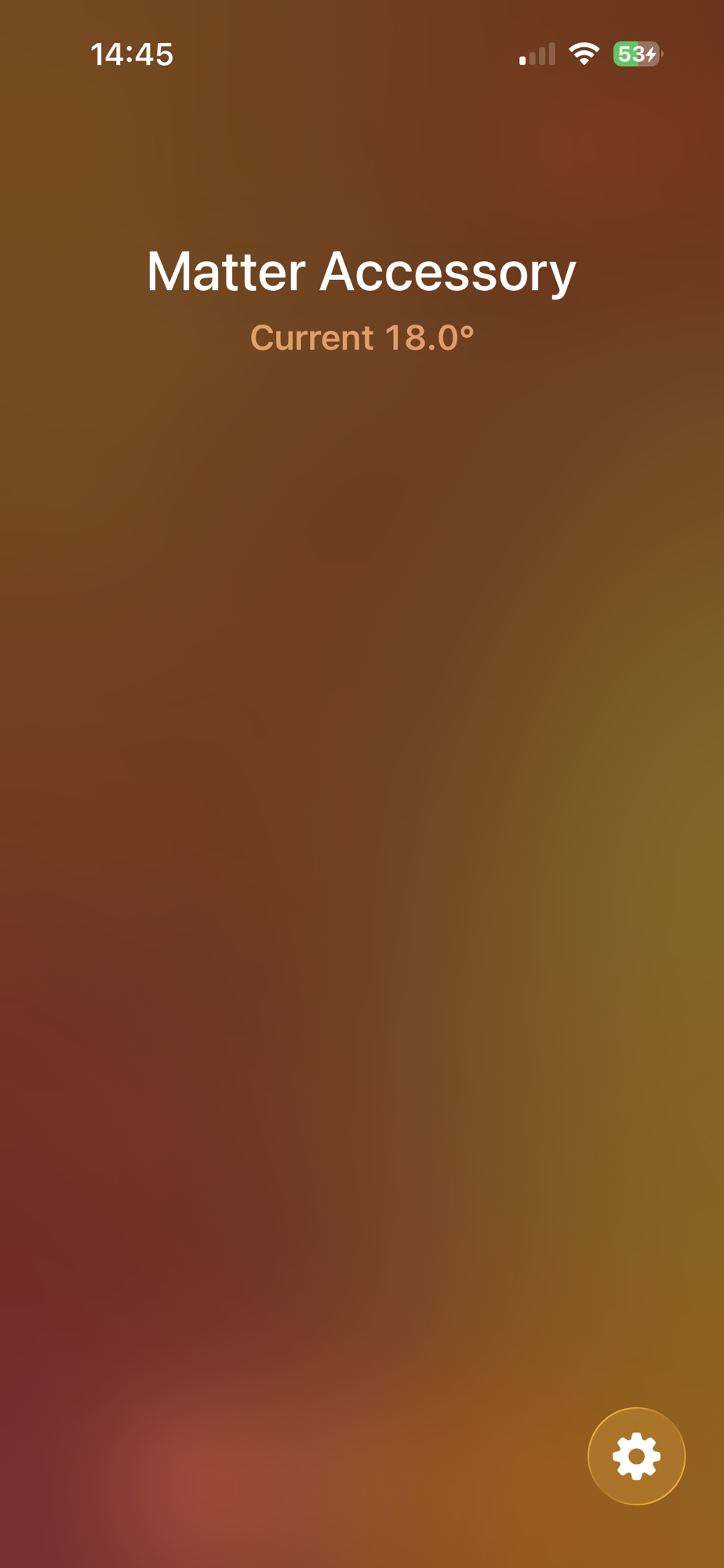
I just into the Aqara and set the mode back to Heat. iOS Home then displayed the gauge again. Very odd. A bug in iOS Home?
Another thing I checked was a value called control_sequence_of_operation, which was set to 4 by default. In the case of the thermostat, this represented Heating & Cooling.
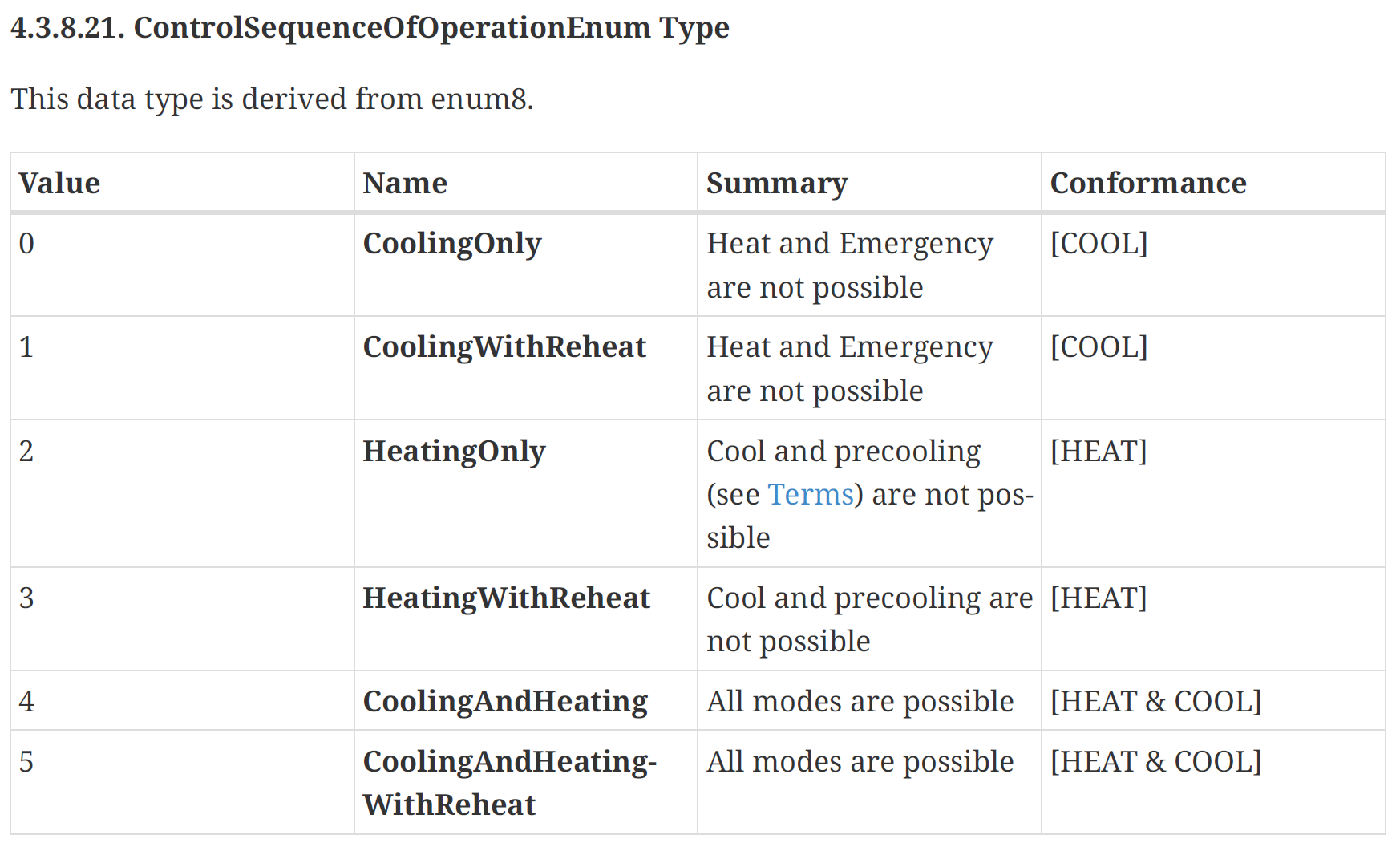
Clearly this didn’t match up, so I changed it to 2.
thermostat_cluster_config.control_sequence_of_operation = 2;Unfortunately, that didn’t do anything to fix the UI issues.
Scheduling
With heating kinda, half working, I figured it would be worth exploring the scheduling features of the Matter Thermostat.
I started by adding the matter_schedule_configuration feature flag
thermostat_cluster_config.feature_flags = cluster::thermostat::feature::heating::get_id() | cluster::thermostat::feature::matter_schedule_configuration::get_id();
Since I wasn’t having much look with either iOS Home or Aqara, I switched over to chip-tool for testing. This tool, whilst having no UI, gives complete access to everything.
I queried the device to see that commands it was now exposing
chip-tool thermostat read accepted-command-list 0x10 0x01I got back two

I then queried for the number of schedules available
chip-tool thermostat read schedules 0x10 0x01and this responded with zero

Which lined up with the default value of the config_t

The question now: How the heck did I set schedule?
Based on the help, I know I’d need something like this
chip-tool thermostat write schedules PAYLOAD 0x10 0x01I wondered if the payload for this command would be a schedule struct?
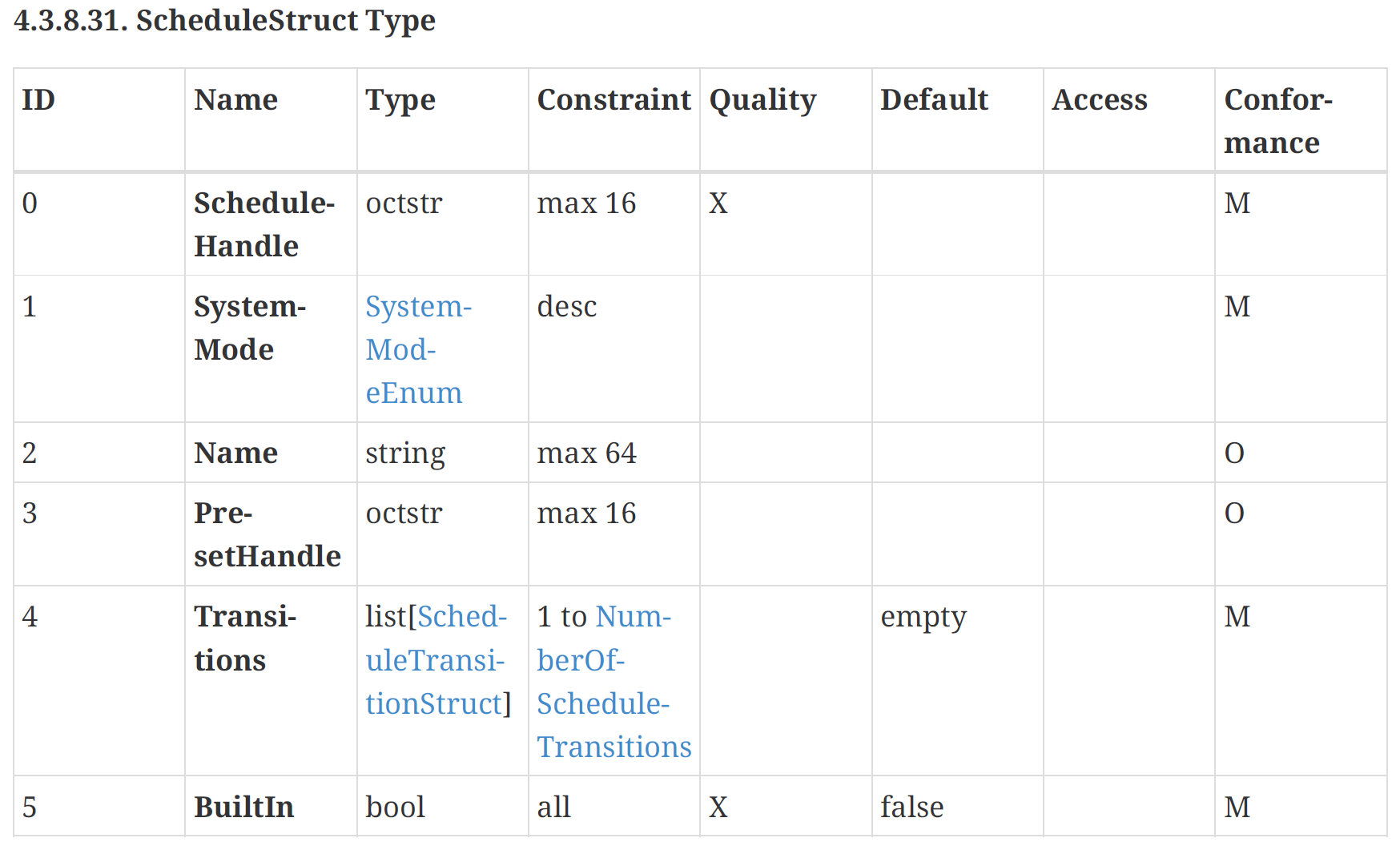
As this was a rich payload, it was going to be provided by me as JSON. The spec says that ScheduleHandle should be null when it’s a new schedule. The lone transition should set the heating to 25° at midnight on Sunday.
[{"scheduleHandle":null,"systemMode":4,"transitions":[{"dayOfWeek":0,"transitionTime":0,"heatingSetpoint":2500}],"builtIn": false}]It didn’t like that, not one little bit.

Unfortunately, no errors showed in the console of the ESP32-C6, so I had nothing to go on.
As I tried to understand what might be happening, I came across this in the Schedules section.

When I query this attribute, I get 0

Perhaps the rules are the problem? If that was true, I wouldn’t expect the 0x01 (FAILURE) response.
The more I dug into the issue, the more I became worried that Schedules wasn’t ever going to work. I found this in the connectedhome src folder
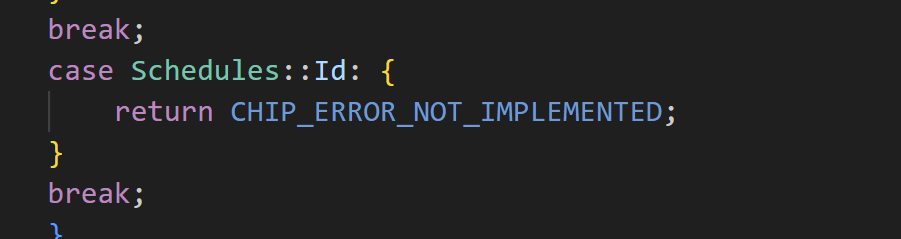
After a lot more digging, I came to the conclusion that the Matter Schedule wasn’t implemented in the SDK. I even found an old pull request.

Summary
Whilst I got something that kinda worked with iOS Home, the implementation of the Matter Thermostat was not straight forward! I expected this to be much easier than the Dishwasher Device.
I would like to understand why iOS removes the UI elements after the mode is set to Off. Kinda silly that you can’t turn it back on.
As for scheduling, I’m still surprised that these wasn’t supported in the SDK. It’s certainly in the specification. This might explain why there is not a single example I could fine.
I’m half considering raising my own PR request. Wouldn’t it be cool to get some code into Matter?
Did you like reading this post?
If you found this blog post useful and want to say thanks, you’re welcome to buy me a coffee. Better yet, why not subscribe to my Patreon so I can continue making tinkering and sharing.
Be sure to check out my YouTube Channel too – https://youtube.com/tomasmcguinness
Thanks, Tom!


Leave a comment