

In this post, I’m attempt to use the Home Connect API to control my Neff Dishwasher.
Home Connect is an App that allows you to interact with different appliances in your home. Building upon my Matter Tiny Dishwasher, I want to try and adapt the Matter part to control my *actual* dishwasher.
I have this idea of building a small control unit that talks to Home Connect and is also on my local Matter network. I hope to even perform some energy management if possible!
My Neff
I have a Neff S187ECX23G/20. A mouthful.
We got a Neff Dishwasher as we were ordering a Neff oven. I didn’t even think about Smart Home integration at the point of ordering. It’s a Dishwasher.
I was, however, pleasantly surprised when I found it that it did have Smart Home support. That support came in the form of Home Connect. I figured I might get some power information from it or something.
Home Connect itself appears to mainly work with Bosch brands (of which Neff is one I believe)
Setup was painless and I had control from my app after a few minutes. The app allows pretty much full control of the dishwasher and even alerts when salt is low or a cleaning cycle is needed.
Home Connect API
In addition to controlling appliances, Home Connect also offer an API, which you can use.
To get started, I visited https://developer.home-connect.com/. All of their documentation is available here https://api-docs.home-connect.com/general/
From the Introduction page, you’ll see two options
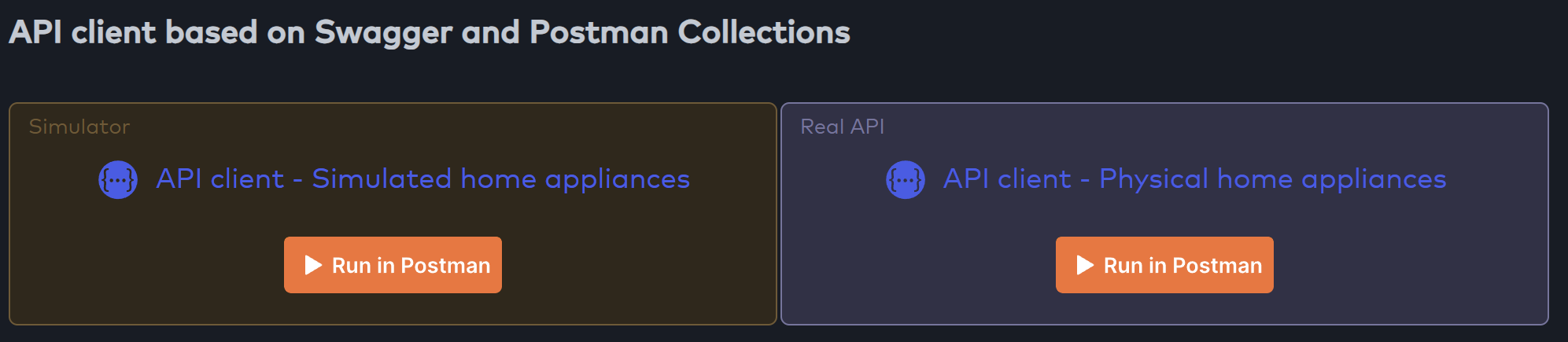
You can use a Simulator or the Real API. You can use Swagger or Postman.
I started by Registering an application and trying to use Authorize via their Swagger API (clicking the API client link)
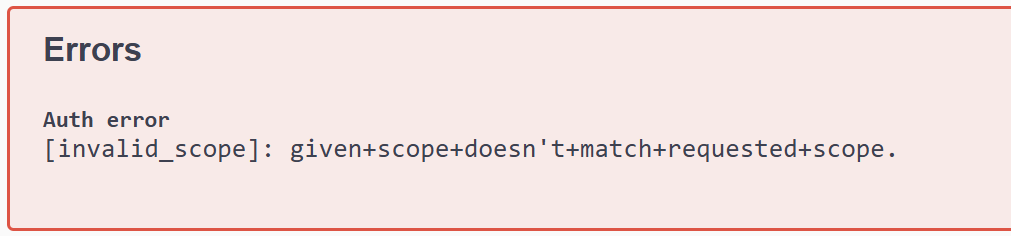
After a lot of attempts, this combination sort of worked
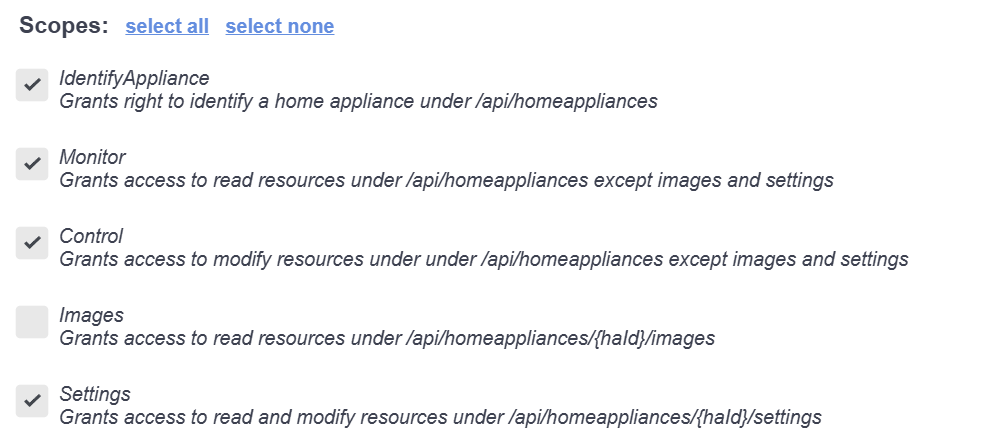
I got prompted for my credentials and after authenticating, I get prompted to approve my request

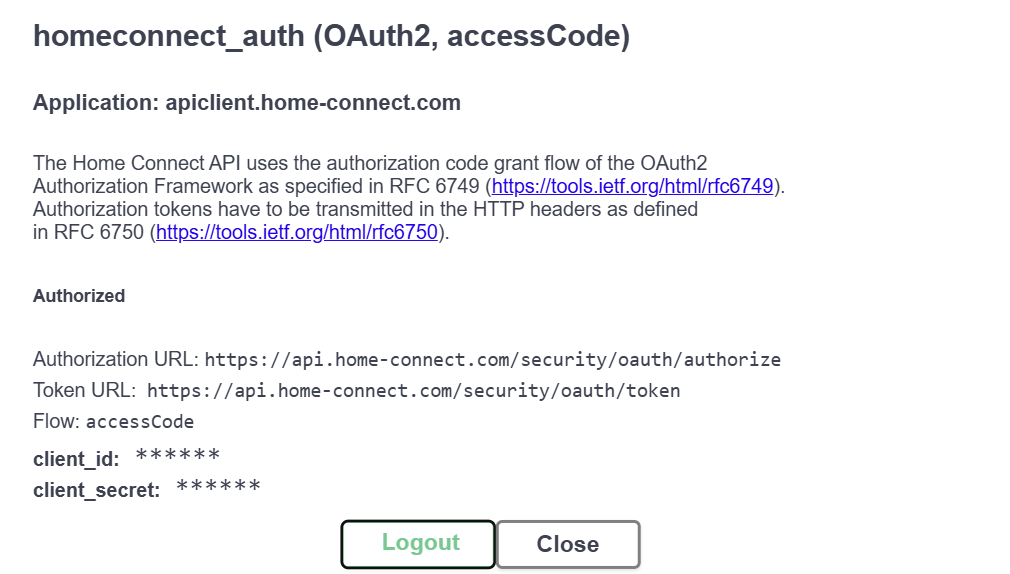
Swagger then indicates I’m authorized!
Getting some data from the API
The first endpoint to try was the appliances
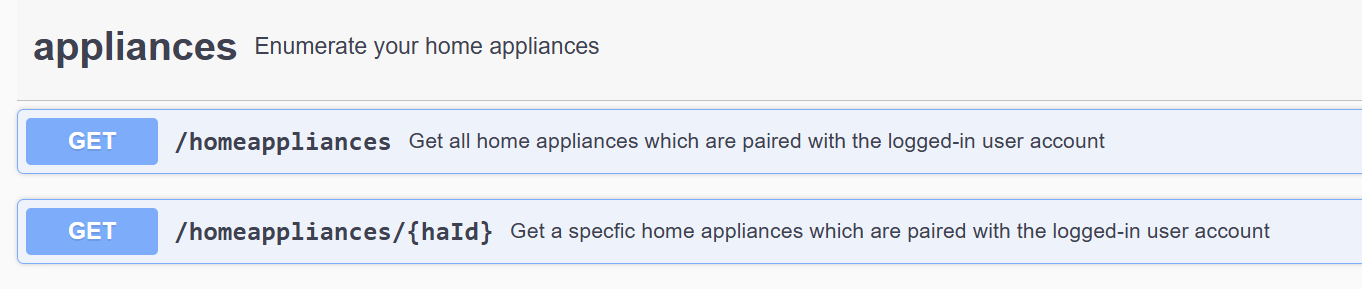
I executed /homeappliances and my dishwasher came back as the only appliance
{
  "data": {
    "homeappliances": [
      {
        "brand": "Neff",
        "connected": true,
        "enumber": "S187ECX23G/20",
        "haId": "**************",
        "name": "Dishwasher",
        "type": "Dishwasher",
        "vib": "S187ECX23G"
      }
    ]
  }
}
The haId was the primary property to note (I’ve redacted mine). You’ll also note the enumber matches the model number I mentioned earlier.
Next, I tried the programs

This returned lots of information
{
  "data": {
    "active": {
      "constraints": {
        "access": "read"
      }
    },
    "programs": [
      {
        "constraints": {
          "execution": "selectandstart"
        },
        "key": "Dishcare.Dishwasher.Program.Auto2",
        "name": "Auto 45-65°"
      },
      {
        "constraints": {
          "execution": "selectandstart"
        },
        "key": "Dishcare.Dishwasher.Program.Eco50",
        "name": "Eco 50°"
      },
      {
        "constraints": {
          "execution": "selectandstart"
        },
        "key": "Dishcare.Dishwasher.Program.Glas40",
        "name": "Glass 40°"
      },
      {
        "constraints": {
          "execution": "selectandstart"
        },
        "key": "Dishcare.Dishwasher.Program.Quick45",
        "name": "Express 45°"
      },
      {
        "constraints": {
          "execution": "selectandstart"
        },
        "key": "Dishcare.Dishwasher.Program.PreRinse",
        "name": "Pre-rinse"
      },
      {
        "constraints": {
          "execution": "selectandstart"
        },
        "key": "Dishcare.Dishwasher.Program.NightWash",
        "name": "Silence 50°"
      },
      {
        "constraints": {
          "execution": "selectandstart"
        },
        "key": "Dishcare.Dishwasher.Program.IntensivPower",
        "name": "Chef 70"
      },
      {
        "constraints": {
          "execution": "selectandstart"
        },
        "key": "Dishcare.Dishwasher.Program.Kurz60",
        "name": "Classic 60°"
      },
      {
        "constraints": {
          "execution": "selectandstart"
        },
        "key": "Dishcare.Dishwasher.Program.MachineCare",
        "name": "Easy Clean"
      }
    ],
    "selected": {
      "constraints": {
        "access": "readWrite"
      },
      "key": "Dishcare.Dishwasher.Program.Eco50",
      "name": "Eco 50°",
      "options": [
        {
          "key": "BSH.Common.Option.StartInRelative",
          "value": 0,
          "unit": "seconds",
          "name": "Start time"
        },
        {
          "key": "Dishcare.Dishwasher.Option.ExtraDry",
          "value": false,
          "name": "Extra Dry"
        },
        {
          "key": "Dishcare.Dishwasher.Option.IntensivZone",
          "value": false,
          "name": "Power Zone"
        },
        {
          "key": "Dishcare.Dishwasher.Option.VarioSpeedPlus",
          "value": false,
          "name": "Extra Speed"
        },
        {
          "key": "Dishcare.Dishwasher.Option.SilenceOnDemand",
          "value": false,
          "name": "Quiet now"
        },
        {
          "key": "BSH.Common.Option.RemainingProgramTime",
          "value": 16800,
          "unit": "seconds",
          "name": "Remaining programme running time"
        },
        {
          "key": "BSH.Common.Option.RemainingProgramTimeIsEstimated",
          "value": true,
          "name": "Estimated remaining programme time"
        },
        {
          "key": "BSH.Common.Option.EnergyForecast",
          "value": 45,
          "unit": "%",
          "name": "Energy"
        },
        {
          "key": "BSH.Common.Option.WaterForecast",
          "value": 43,
          "unit": "%",
          "name": "Water"
        }
      ]
    }
  }
}
From that, a few things jumped out.
Firstly, it gives me a list of all the programs you can choose from. I can see this fitting into the Matter’s Supported Mode cluster.
Secondly, I see things like EnergyForecast and StartInRelative, which might help me integration with Matter’s Device Energy Management.
The immediate question in my mind: can I adjust the StartInRelative?
Delaying the Start?
To answer this question, I decided to give it a try. I popped downstairs and closed the door.
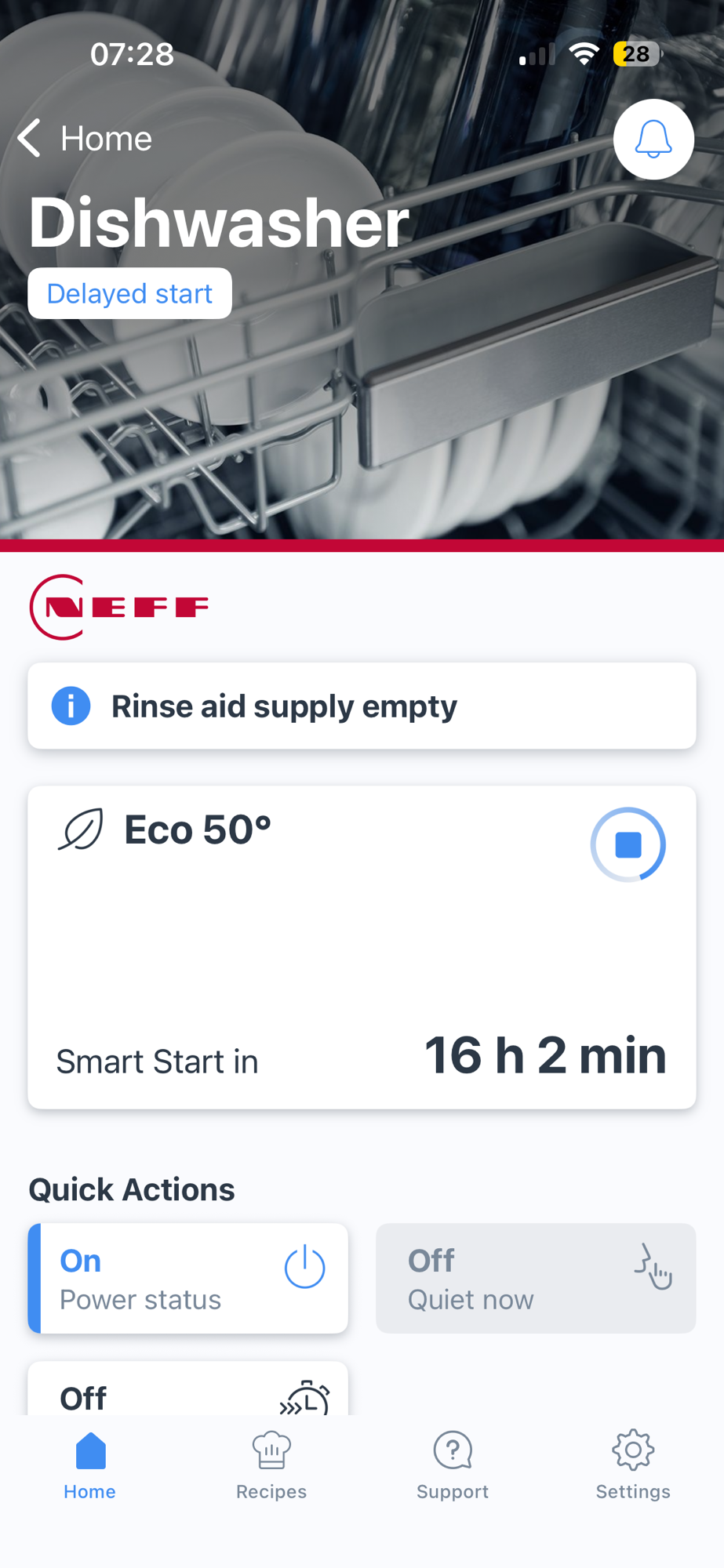
Then, using the app, I selected the Eco 50° program and chose the “Smart Start”, which would delay it until 23:30.
I wanted to see if I can adjust this. I then executed the \programs\active endpoint. This returned the details. It’s interested to note that the program, whilst not running, is active.
{
  "data": {
    "constraints": {
      "access": "read"
    },
    "key": "Dishcare.Dishwasher.Program.Eco50",
    "name": "Eco 50°",
    "options": [
      {
        "key": "BSH.Common.Option.StartInRelative",
        "value": 57906,
        "unit": "seconds",
        "name": "Start time"
      },
<TRUNCATED>
The 57906 seconds represented 16 hours, which matched the app.
Next, I crafted a payload an update payload to change the StartInRelative time to just four hours (14400) seconds.
{
  "data":
  {
    "key": "BSH.Common.Option.StartInRelative",
    "value": 14400,
    "unit": "seconds",
    "name": "Start time"
  }
}
I sent this to

the start time did change!
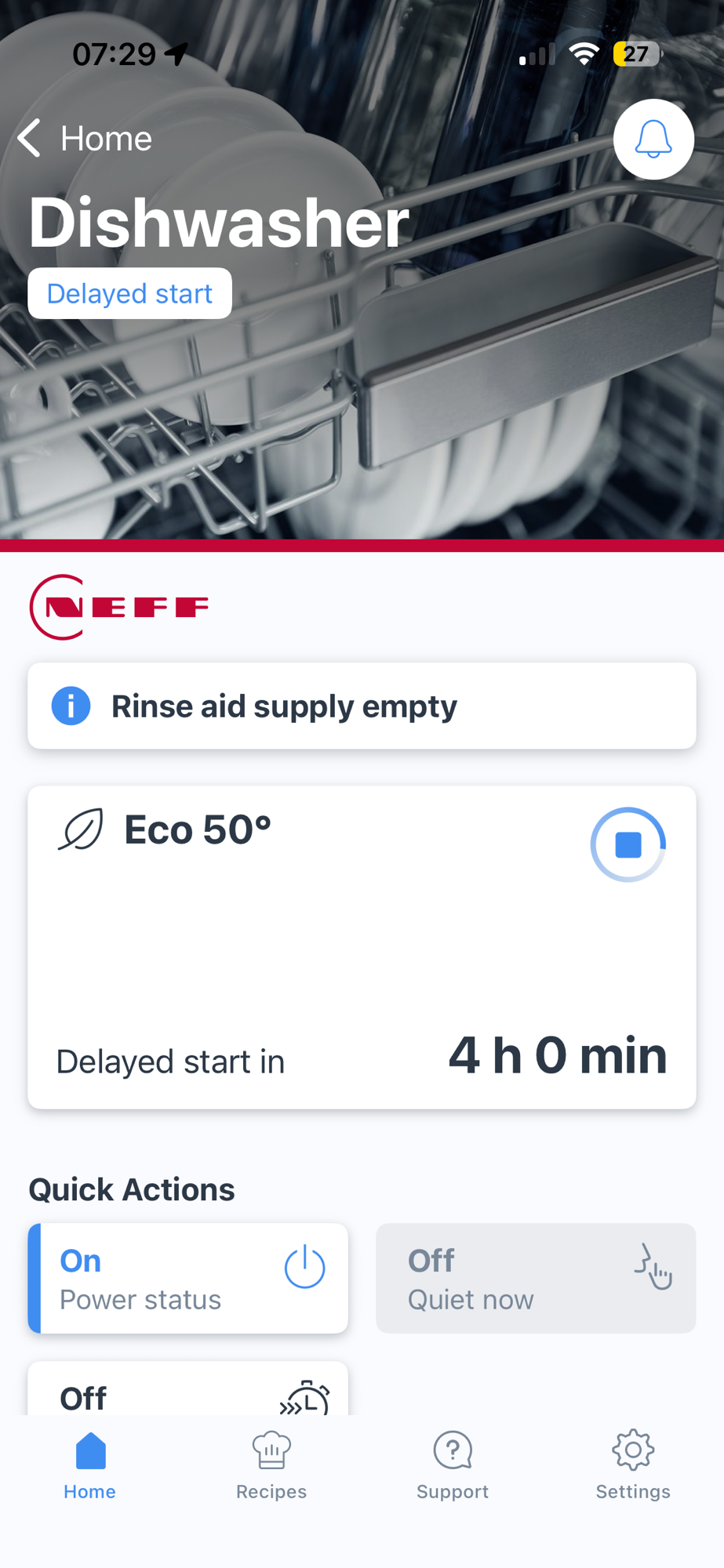
Perfect!! This could work really well with Matter Device Energy Management’s AdjustStartTime feature that I demo in this video – https://youtu.be/VfF1c8bLeiI
Any power forecast?
I had a dig around the documentation, but power forecasting, whilst part of the API, doesn’t seem that usable.
{
   "key": "BSH.Common.Option.EnergyForecast",
   "value": 45,
   "unit": "%",
   "name": "Energy"
},
I just don’t know how to translate 45% Energy into kW or kWh. I couldn’t find anything about it online either.
Next Steps
Now I have a rudimentary understanding of the Home Connect API, I will try the API on an ESP32. I can then adapt my Tiny Dishwasher’s Matter code to interact with the API. This could potentially unlock the first real use of my Energy Manager.
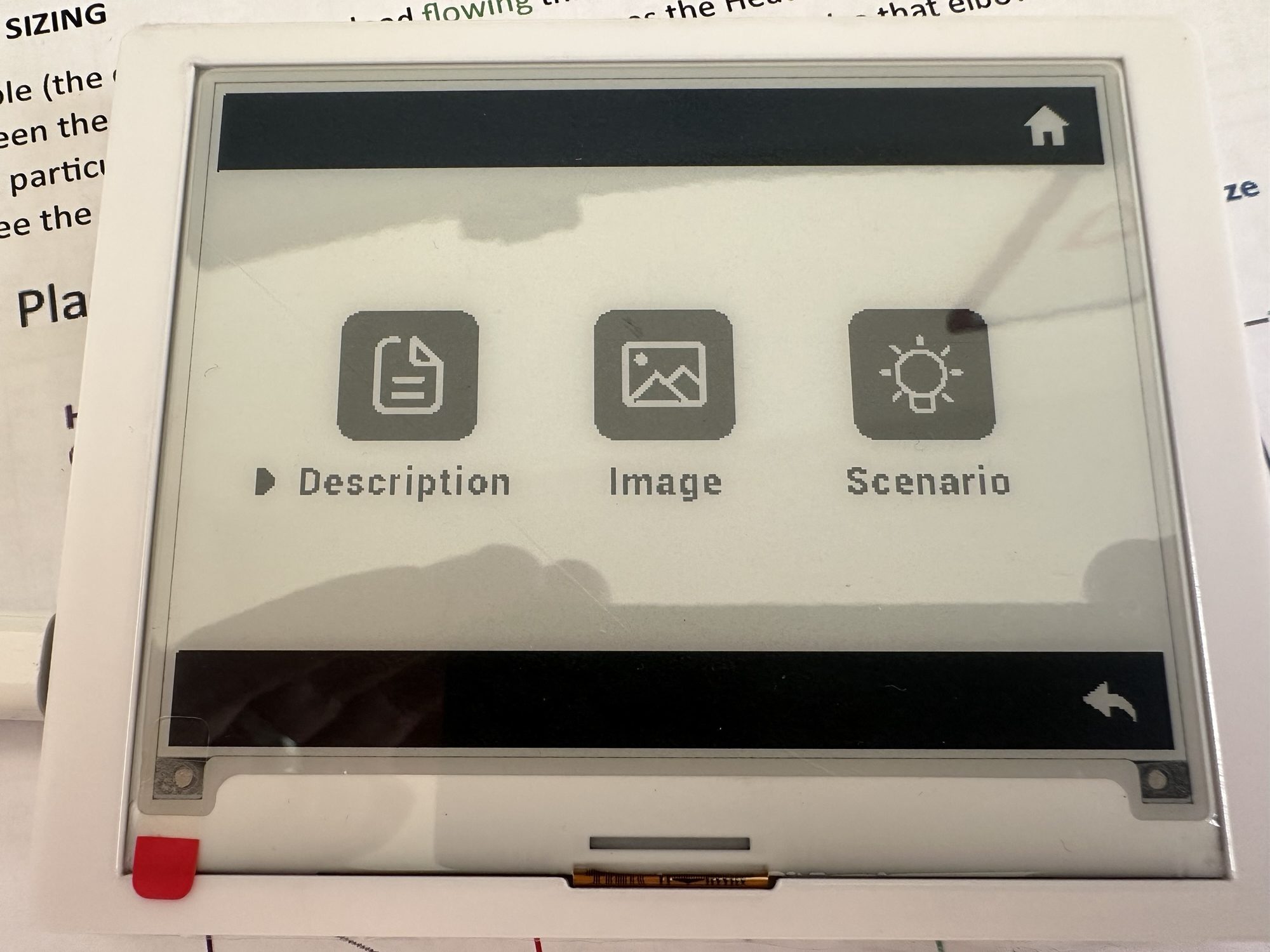
I also have an idea to build this with a screen or some kind. The screen would be used instead of the physical controls. I think this is needed, so that the energy manager can interact correctly. For example, it looks like all programs must be selected with a delayed start (to allow it to be changed). Sometimes, we won’t want the energy manager to alter the program (we need clean dishes now!). None of that would be easy to implement with the existing controls.
It would also give me something to run on this Elecrow e-paper display I got (courtesy of Elecrow)
There are also a few questions I would like to answer.
First, the update endpoint showed this message:

Does this mean that once a program has started running, it can’t be changed. Is it considered running if the StartInRelative time is zero?
Second, I need to get more details about how I can use the EnergyForecast. This will probably involve reaching out to Home Connect for answers.
Third, I want to look at local control. I’m not fan of cloud connected devices. I found this interesting project, which appears to work – https://github.com/zibous/homeconnect-hcpy. I’ll dissect this and try and try and replicate the approach!
Also, I must check the rinse aid 🙂
Did you like reading this post?
If you found this blog post useful and want to say thanks, you’re welcome to buy me a coffee. Better yet, why not subscribe to my Patreon so I can continue making tinkering and sharing.
Be sure to check out my YouTube Channel too – https://youtube.com/tomasmcguinness
Thanks, Tom!


Leave a comment