

In a previous post, I wrote about issues with my Zigbee code, which caused my device to become unresponsive.
To aid my investigation, I figured out how to use a Raspberry Pi to capture the logs. As the issue with code takes a few days to show up, I needed to leave the RPi turned on.
No Background Mode!
Unfortunately, the JLinkRTTLogger console application I’m using can’t run in the background. This meant that the nohup or space approach wouldn’t work.
I had to set my RPi up as a standalone machine. I started with an RPi 3 I had, but I couldn’t get that to even boot 😦 Not sure why.
The RPi 4 I had for my OpenThreadBorderRouter needed a special micro HDMI cable to connect it to a monitor.
As I didn’t have one of them, I ordered one from eBay.
Setup
With the Pi connected to a monitor and keyboard, I added an external HDD. At 1TB, I shouldn’t run out of space!
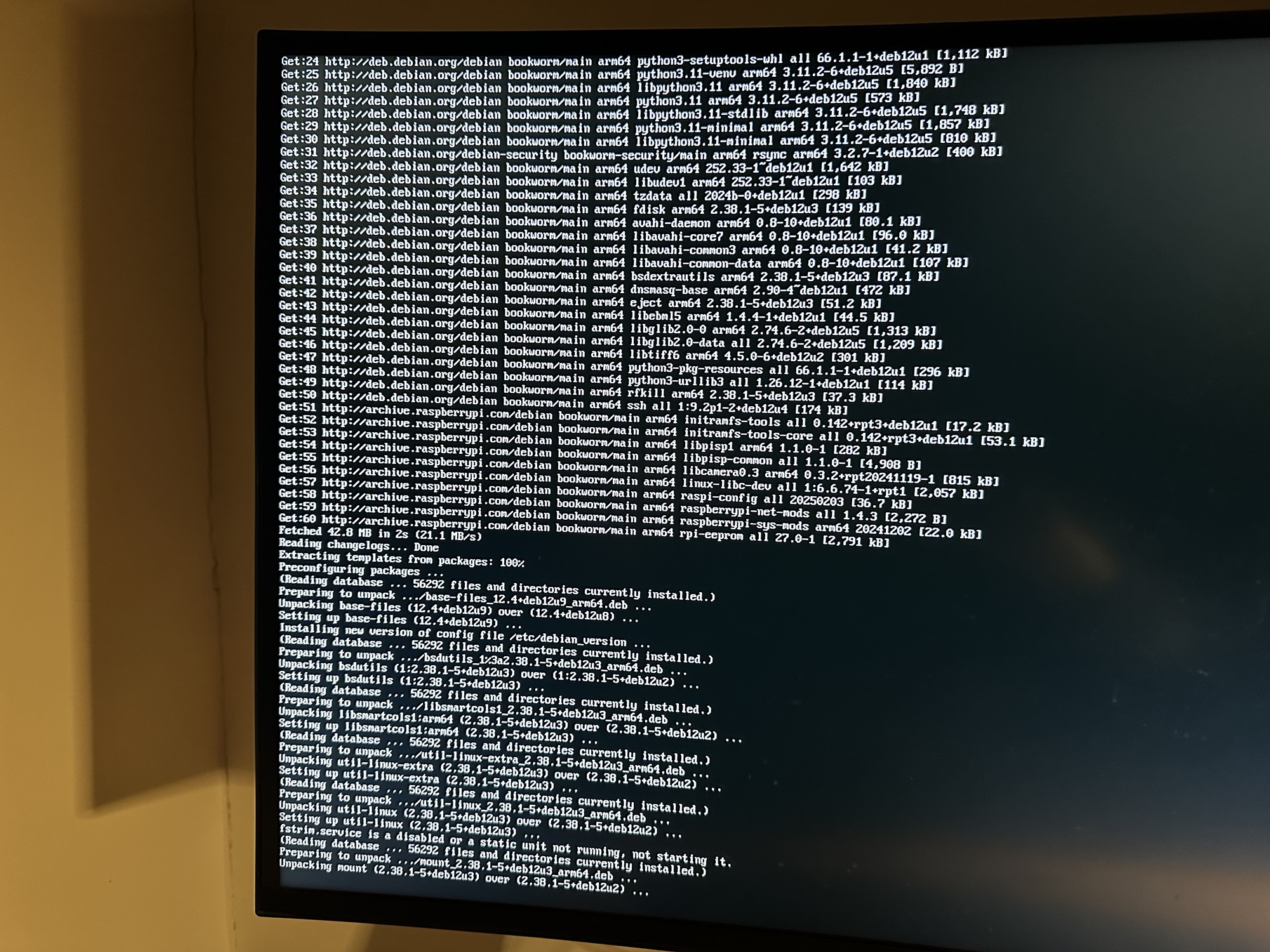
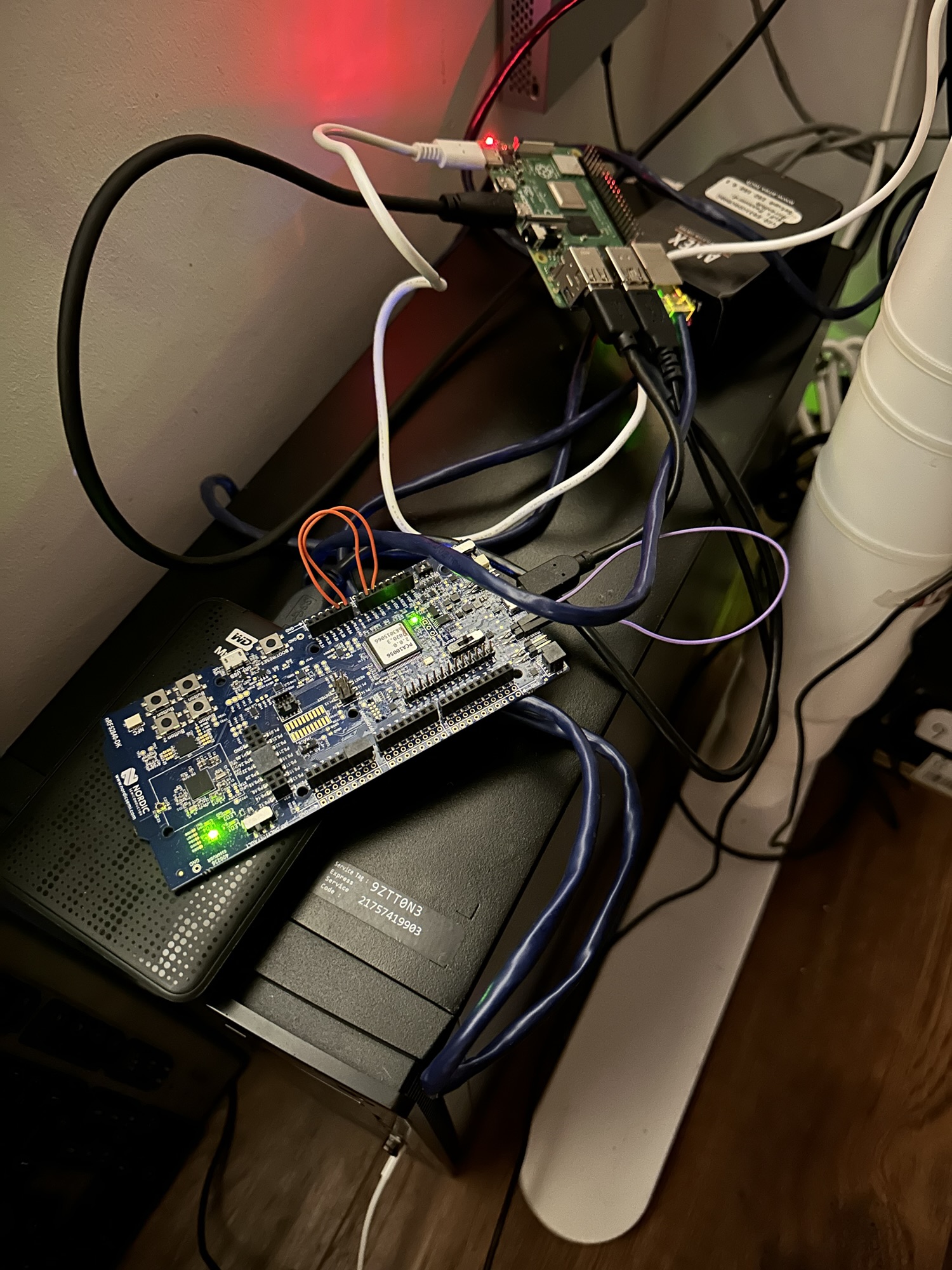
I connected the Nordic development kit and tested the Zigbee connectivity. The identity light blinked on command, so it was working.
I then started the RTTLogger…
The logger started logging and writing a few bytes of data every few seconds, as expected.
I unplugged the keyboard to prevent accidental termination of the logger (press any key to quit)
Now we play the waiting game
It’s all running now. I’m going to check it in an hour’s time to see it’s working. I’m hoping I can SSH in and inspect the log file.
Assuming that’s working, I’ll then just let it run and check the Zigbee connectivity twice or three times a day!
Fingers crossed my recent code changes will have done the trick!
 @tomasmcguinness
Leave a comment