

I’m trying to build a Matter enabled dual temperature sensor.
I’ve made a few attempts at mounting a XIAO nRF52840 on a PCB, but they have been pretty fruitless. Lack of skill mostly.
A few weeks back, in a fit of frustration, I started looking into whether a module might work. Modules don’t contain everything that a typical dev kit does, but they include more than the raw chip itself. I found some interesting modules, but most had pins on the bottom, putting them beyond my skill.
I then happened upon HolyIoT, a company in China that make modules and their nRF54L15 module looked ideal.
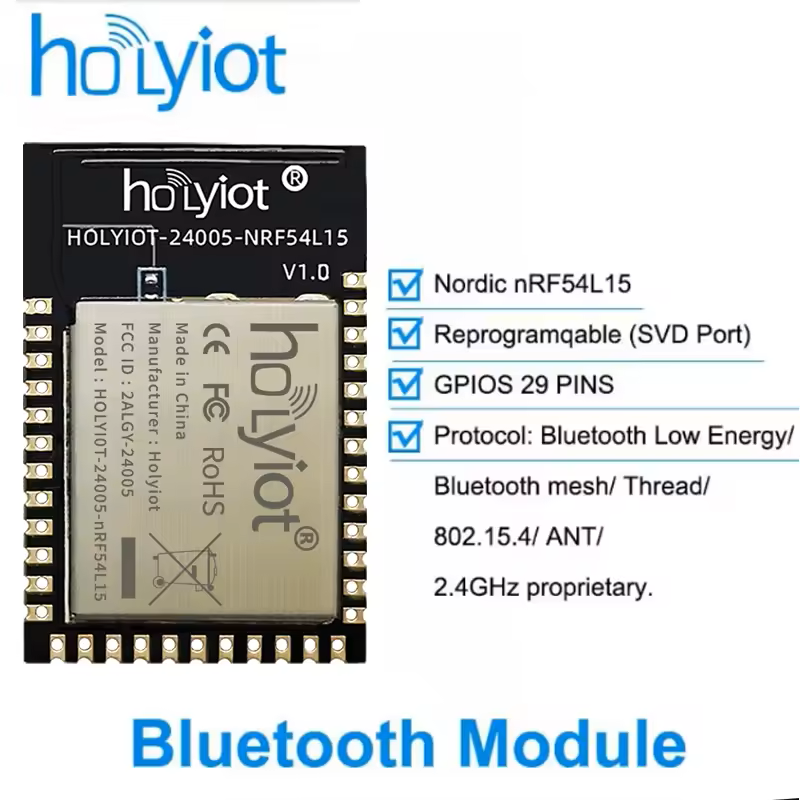
Integrated antenna and, more importantly, all the pins available on the edges. This means I *should* be able to solder it with an iron. Or use my little hot plate.
I then discovered they offer a dedicated DK for this module!
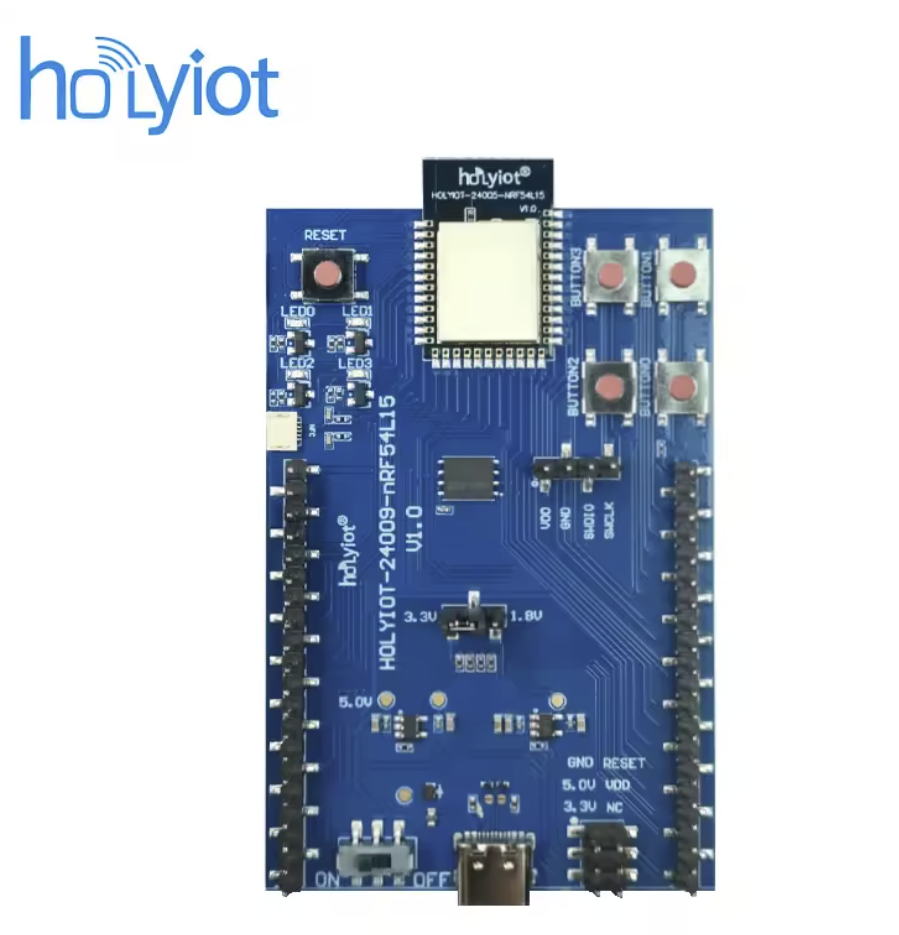
Thankfully, like the modules, it wasn’t very expensive and I figured it was worth the investment.
Wiring it up
As this is a pretty bare metal DK, unlike the Nordic ones, flashing required my J-Link. The Nordic kits can be flashed using a USB connection, but you get what you pay for.
I wired up the SWD pins, using the 5v input to match the output of my J-Link.
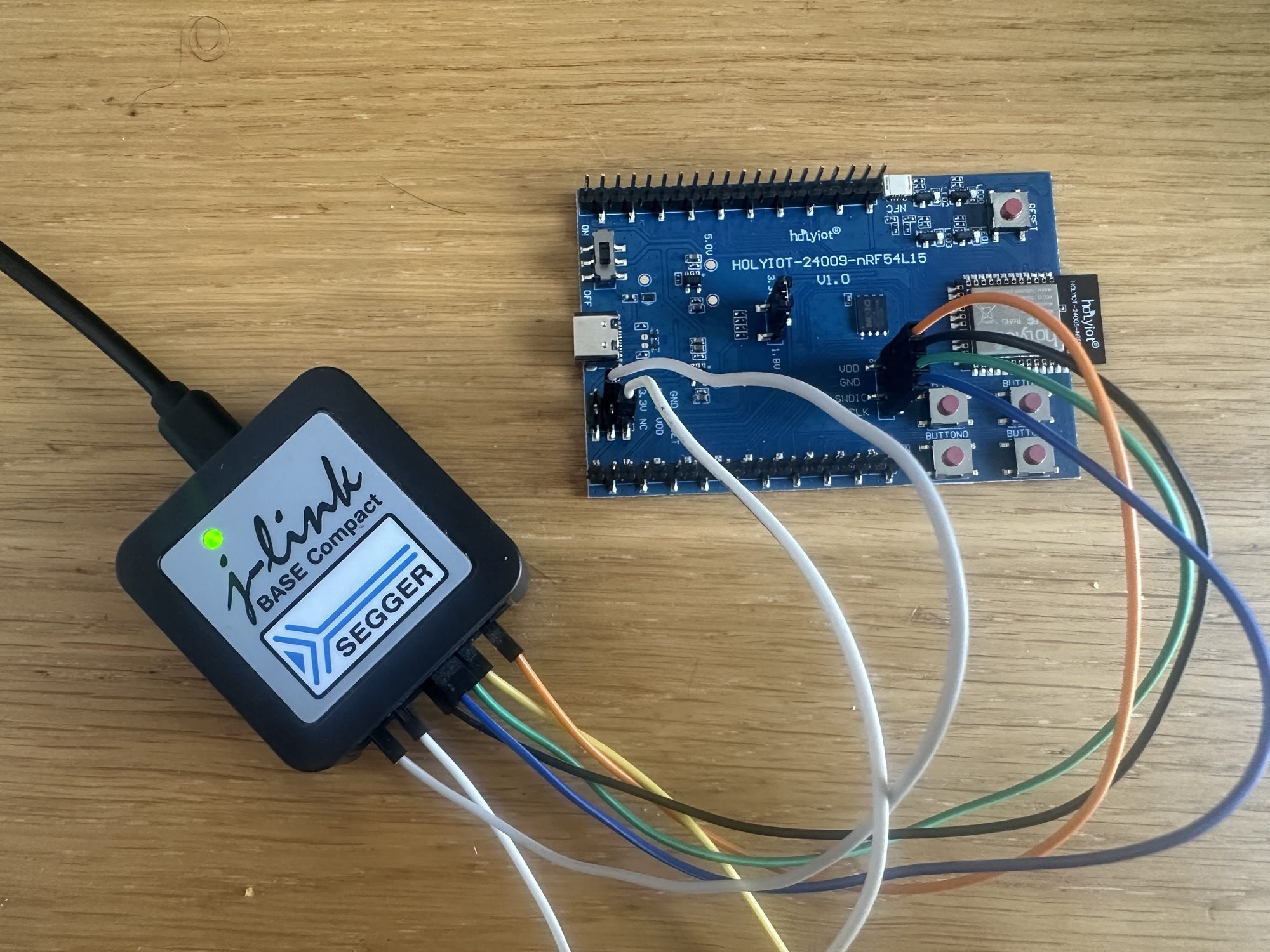
As I’m using the J-Link to power the board, I needed to use J-Link Commander to enable the power. I’m on Linux, so I start the commander using this command
./JLinkExeAnd the application starts up

By default, the Power pin of my BASE Compact is switched off, so I enter the following command
power onI then refreshed the Device pane of the VS Code nRF Extension and the nRF54L15 was detected. I then tried RTT and that connected without issue!
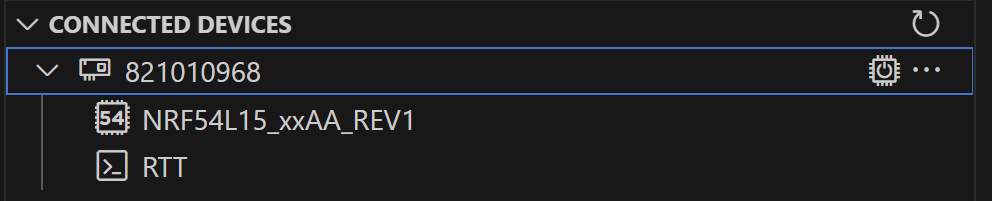
This meant, I hoped, that I had an SWD connection! So far, so good.
Flashing something onto the board
Blinky was already running on the board, so I decided to try and build and flash that sample again.
Start small, eh 🙂
I’m using NCS v3.0.2 for this.
To compile the application, I first start the west environment. I navigate to where the Nordic Connect Software is installed
cd ~/ncsI then initialize a west terminal
nrfutil sdk-manager toolchain launch --shell --ncs-version v3.0.2I then setup the environment variables
. ./v3.0.2/zephyr/zephyr-env.shWith my environment setup, I opened the blinky sample
cd v3.0.2/zephyr/samples/basic/blinkyran the west build command, setting my board as the nrf54L15dk (this is strictly for the Nordic version, but it works)
west build -b nrf54l15dk/nrf54l15/cpuapp --pristineAs I’m on Windows 11 and using WSL, I have to share the USB port in order to flash. I start by running this command in Ubuntu. I don’t really know what this does, but the usb sharing doesn’t work without it.
sudo modprobe vhci_hcdI then pick the right device from the list displayed by WSL USB Manager (a utility I downloaded)
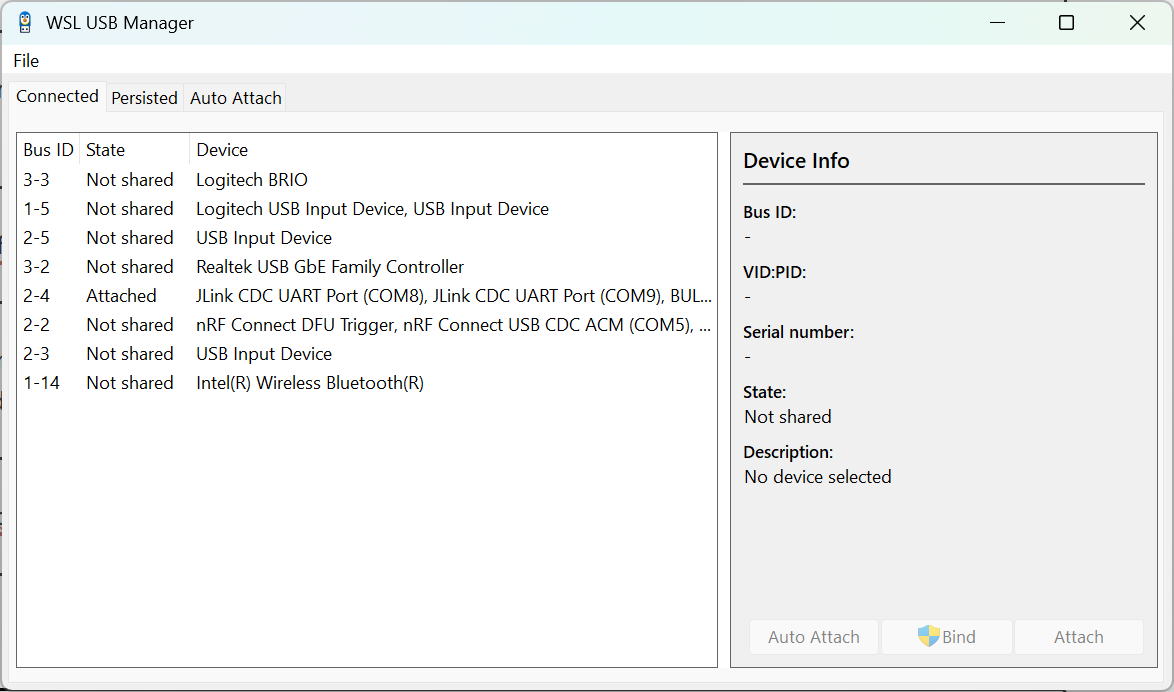
With the JLink device attached, I proceed to actually flashing
west flashand off it went
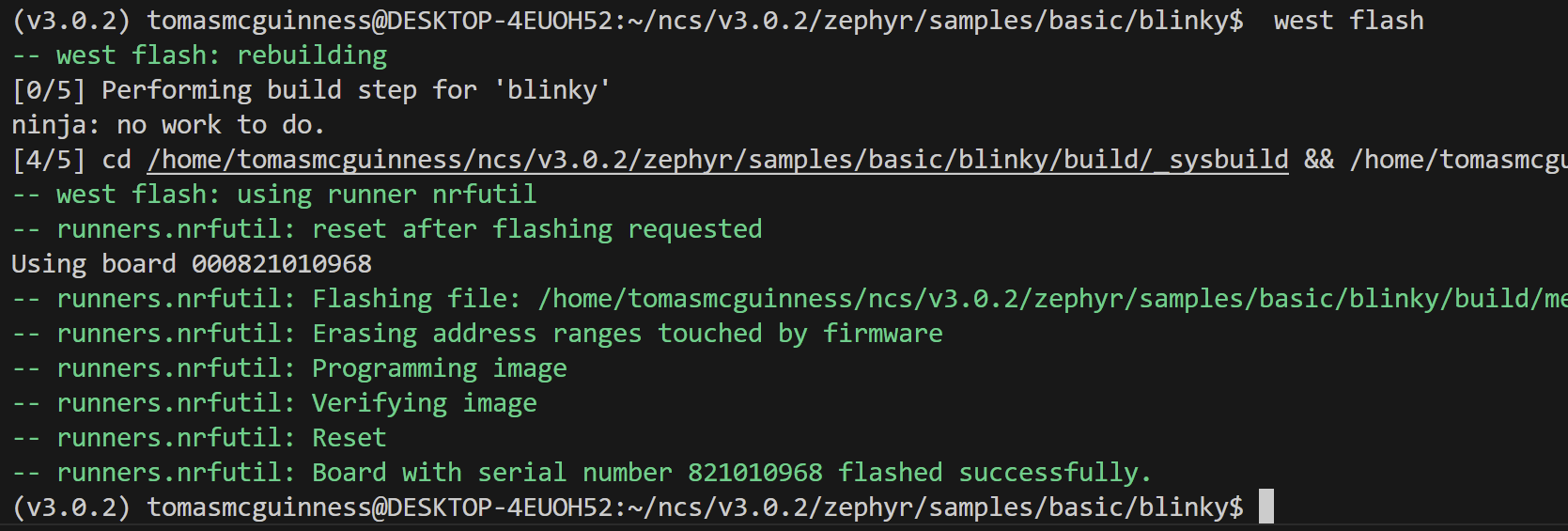
Once done, the LED started flashing again. Which I’m taking to mean it worked!
Flashing the Button sample
To mix things up, I tried the button sample.
That worked too.
Summary
Not much to say. The dev kit works in-so-far as I was able to build and flash two samples.
For less than £14, it’s good value. It’s not as full featured as the Nordic nRF54L15-DK, but it’s less than half the price.
I also emailed HolyIoT asking for a PCB footprint I could use with KiCad. They came back in less than half an hour!
If you want to bag one of these boards for yourself, you’ll find them on AliExpress. Both of these links are affiliant links and I think I’ll get paid something if you buy.
For the DK https://s.click.aliexpress.com/e/_oDzsiGD
The module itself can be found here – https://s.click.aliexpress.com/e/_oD03Kmd
Did you like reading this post?
If you found this blog post useful and want to say thanks, you’re welcome to buy me a coffee. Better yet, why not subscribe to my Patreon so I can continue making tinkering and sharing.
Be sure to check out my YouTube Channel too – https://youtube.com/tomasmcguinness
Thanks, Tom!


Leave a comment