
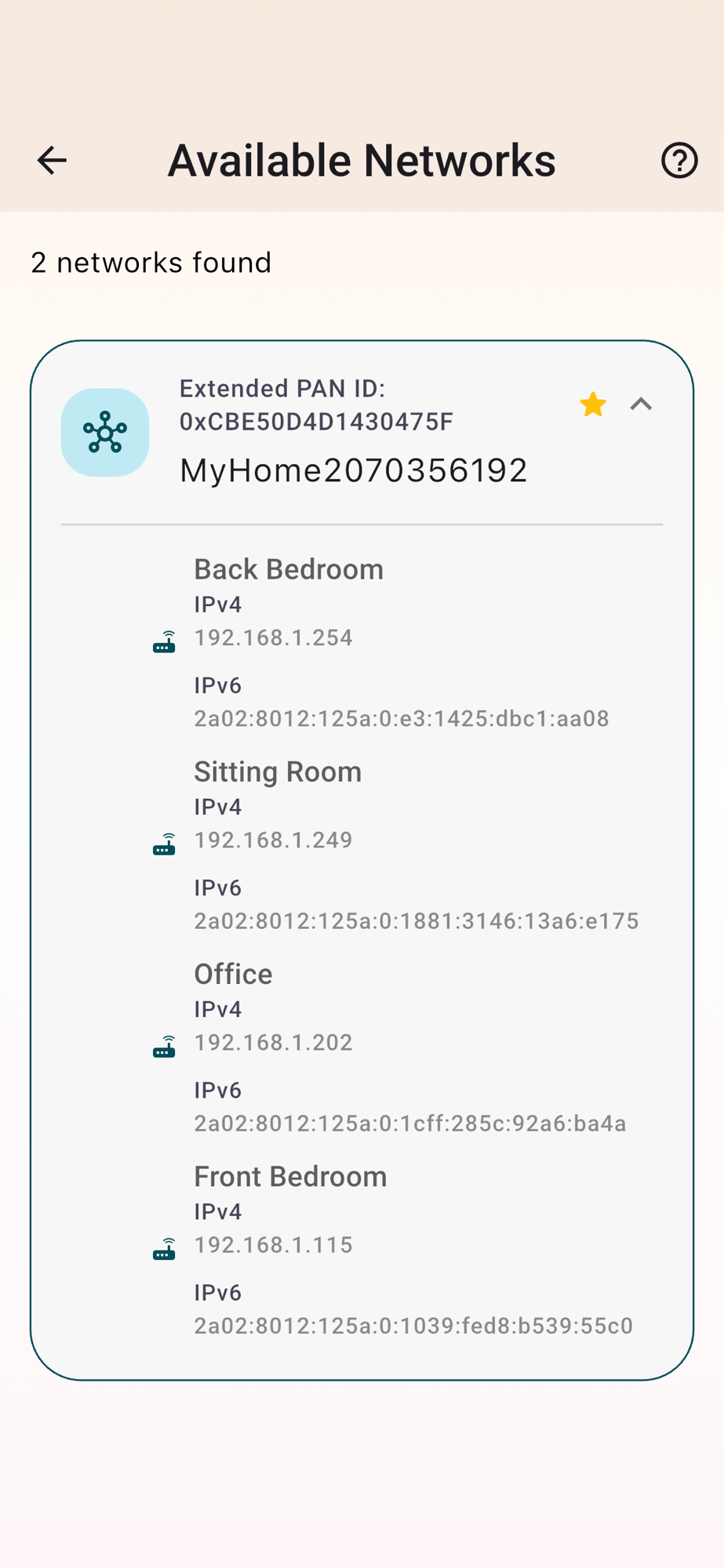
I’ve always struggled with the reliability of my Apple Thread network. Formed by an AppleTV and four HomePod minis, it worked fine at the start, but after attempting to merge my Aqara thread network and the Apple network, things just sort of stopped working.
For a long time, I just avoided using my Apple thread network, preferring to commission devices using Home Assistant and my own home-grown controllers.
However, once I started building a companion iOS app for my heating controller, the poor network became a problem. Commissioning became hit or miss and if I could commission a device, it would drop off the network and never return.
Enough is Enough
I finally snapped after I began testing my MBus adapter. Due to a poorly chosen power LDO, I couldn’t use Matter over WiFi. This meant I would need to use Thread.
I needed to fix the channel issue I found – Trying to fix the Thread Network for my Matter Temperature Sensor
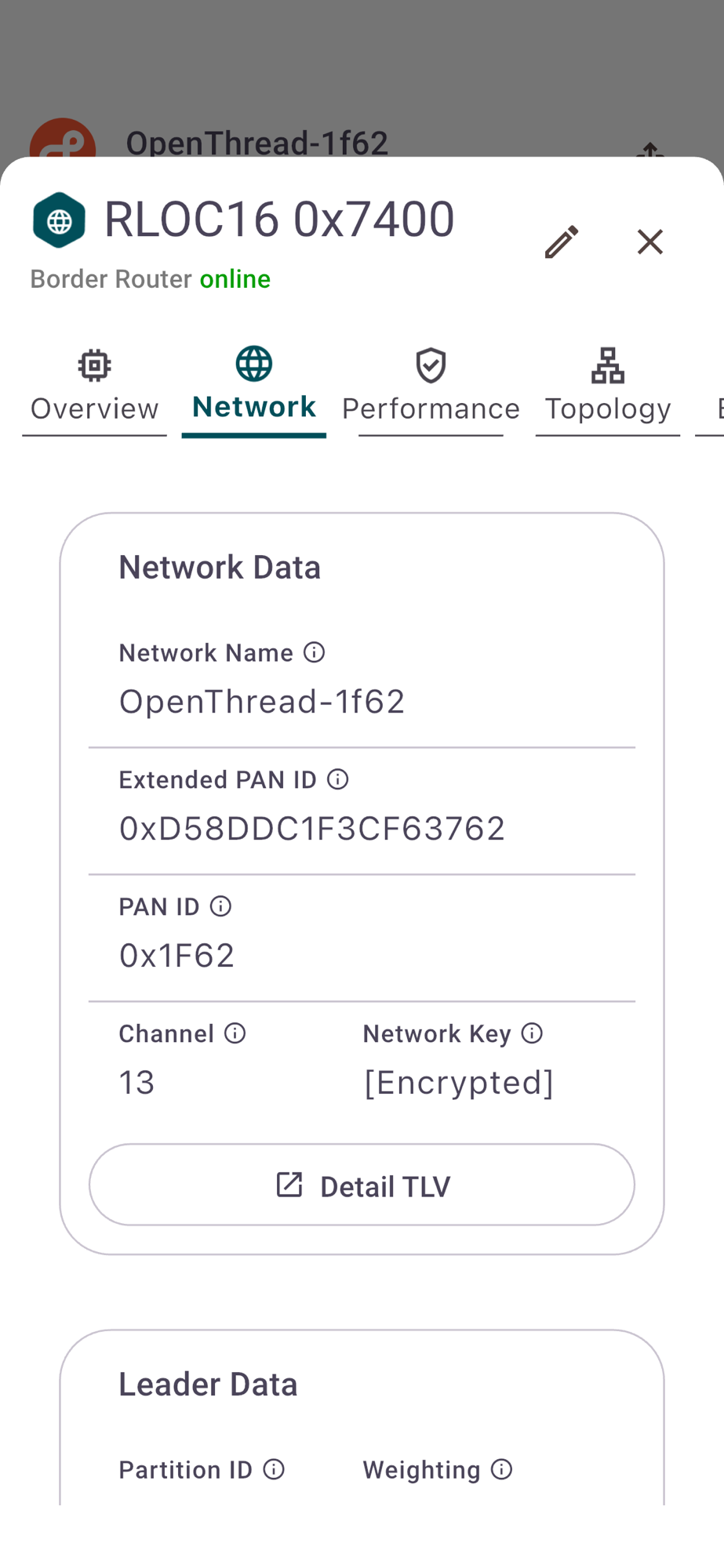
The new Thread Group app gave me concrete confirmation that my Apple Thread network was indeed on Channel 13. Right in the busy WiFi 2.4GHz band. It should ideally be 25, but my mucking around must have changed it somehow.
Starting from Scratch
Apple, as you might expect, give you no options for changing or resetting their Thread network. I get that. Nobody cares about channels and PAN IDs.
To restart the Thread network would require *destroying* the Thread network.
I started by resetting all my HomePods and I removed my Apple TV from the iOS Home app. With that complete, I was left with *one* Thread network, the one running on my Raspberry Pi.
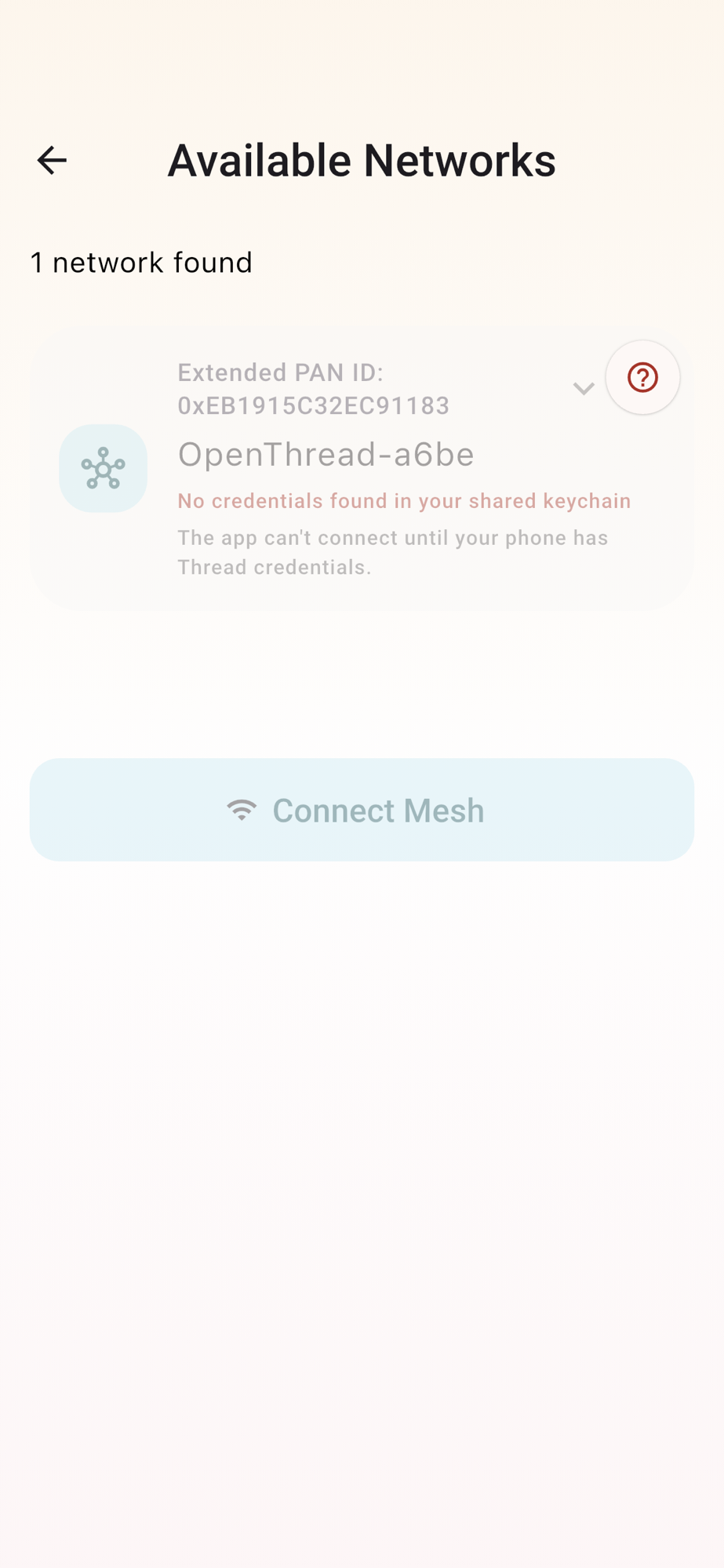
After a few minutes, Apple recreated its Thread network, with my Apple TV as the border router
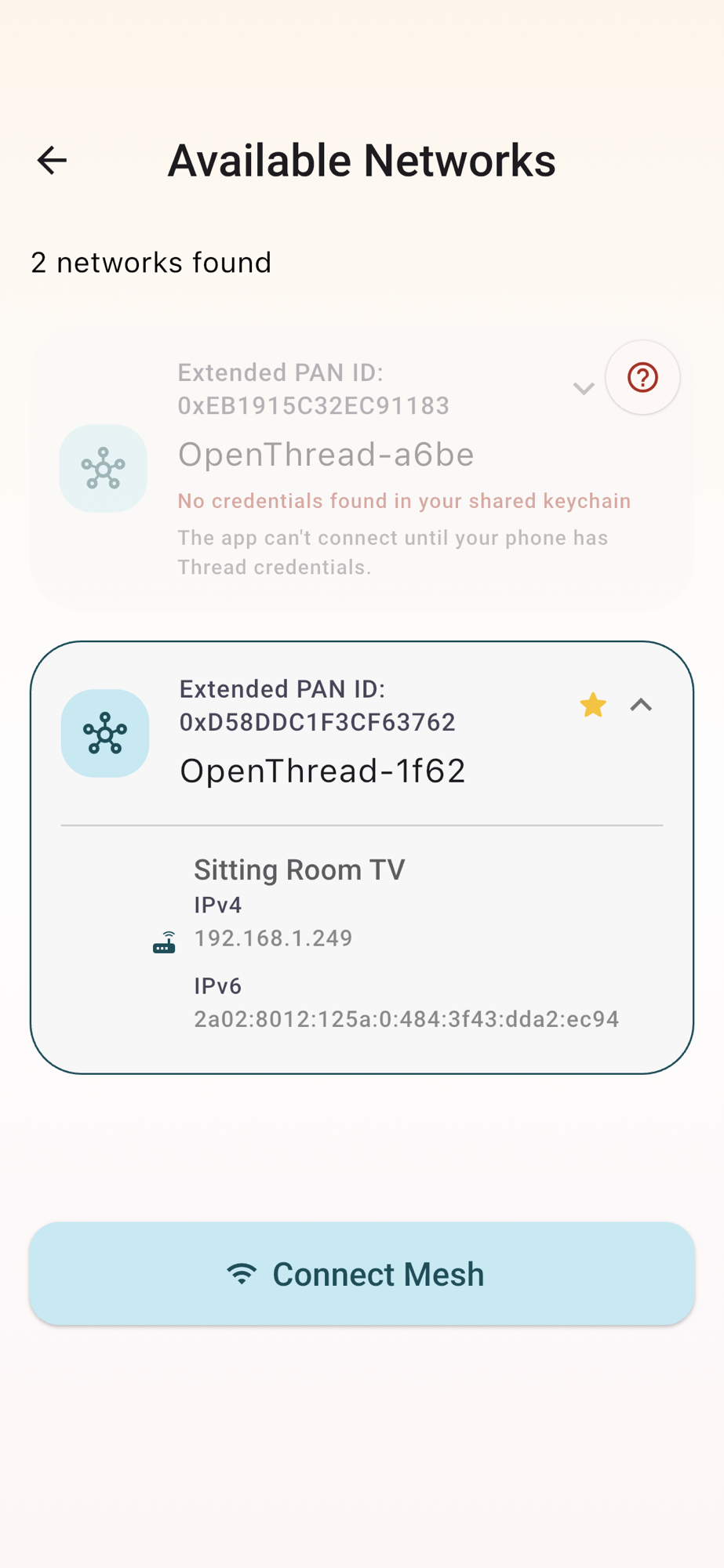
Unfortunately, it had the same name (OpenThread-1f62) and remained on Channel 13. Something, somewhere, remembered both the name and configuration.
The KeyChain
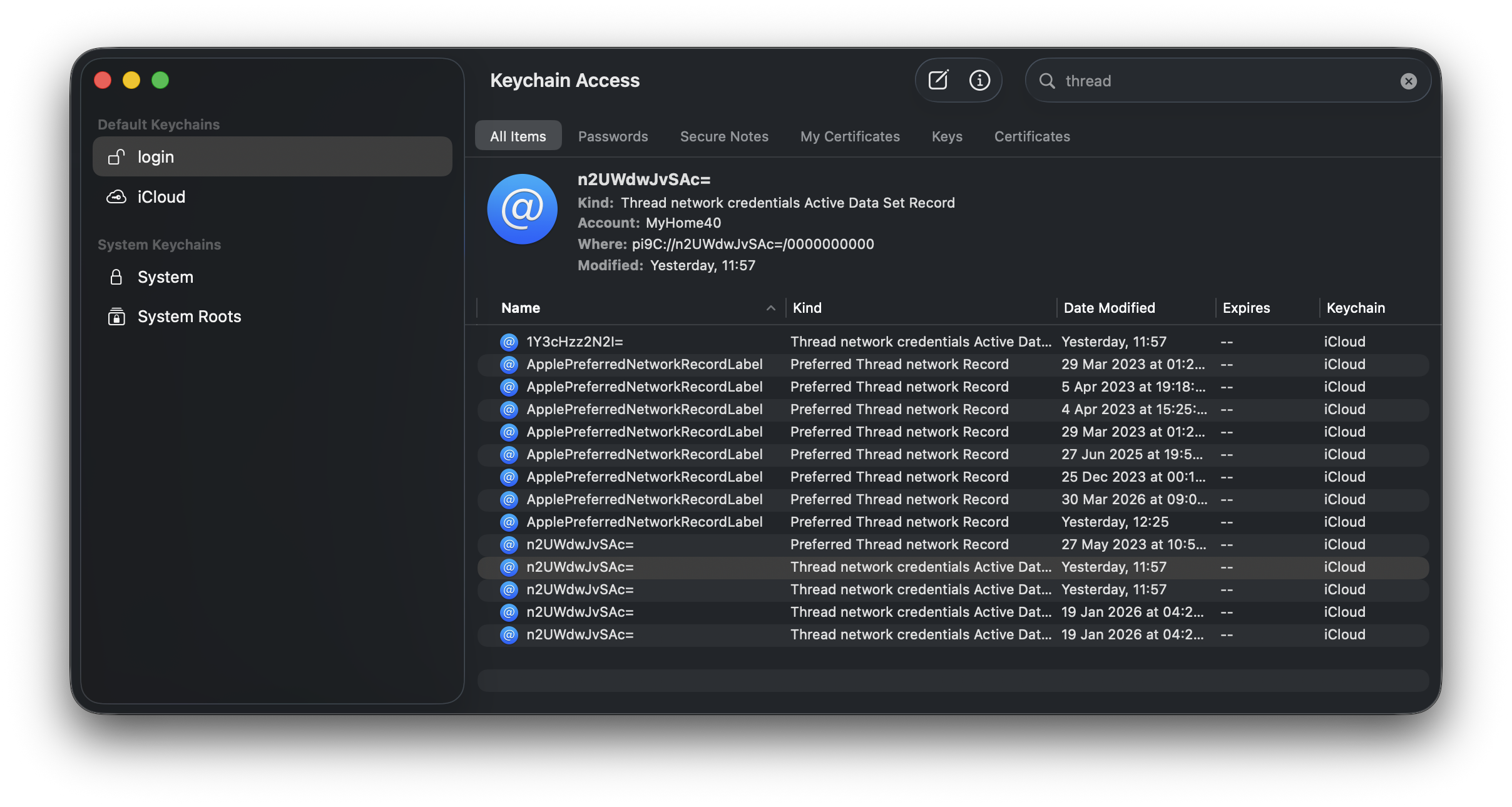
The answer was, pretty simply, the Keychain (stored in iCloud!). To see them, I used the Keychain app on my Mac.
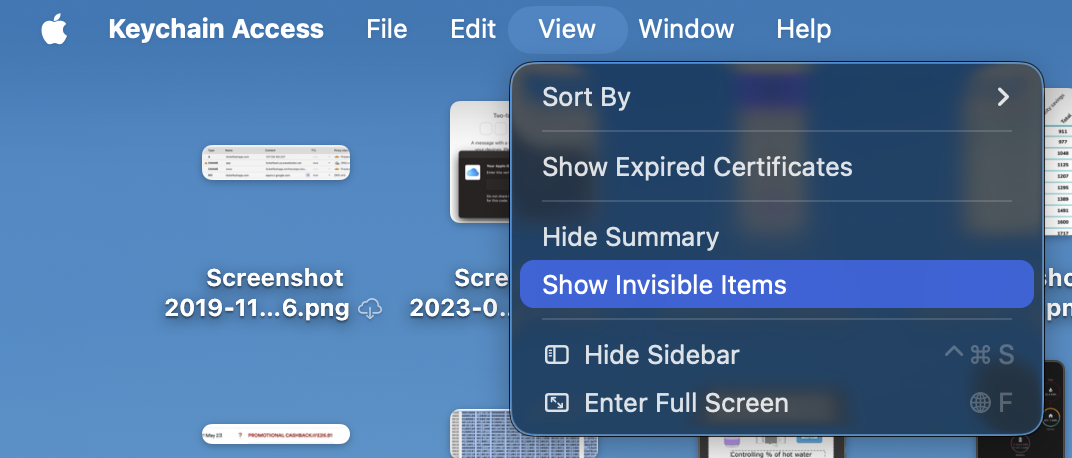
To find these, the Invisible Items option must be enabled.
I then proceeded to select all of the items under ‘login’ and delete them.
Birth (and death) of a New Network
After a few minutes, a new network appeared in the Thread Group tools
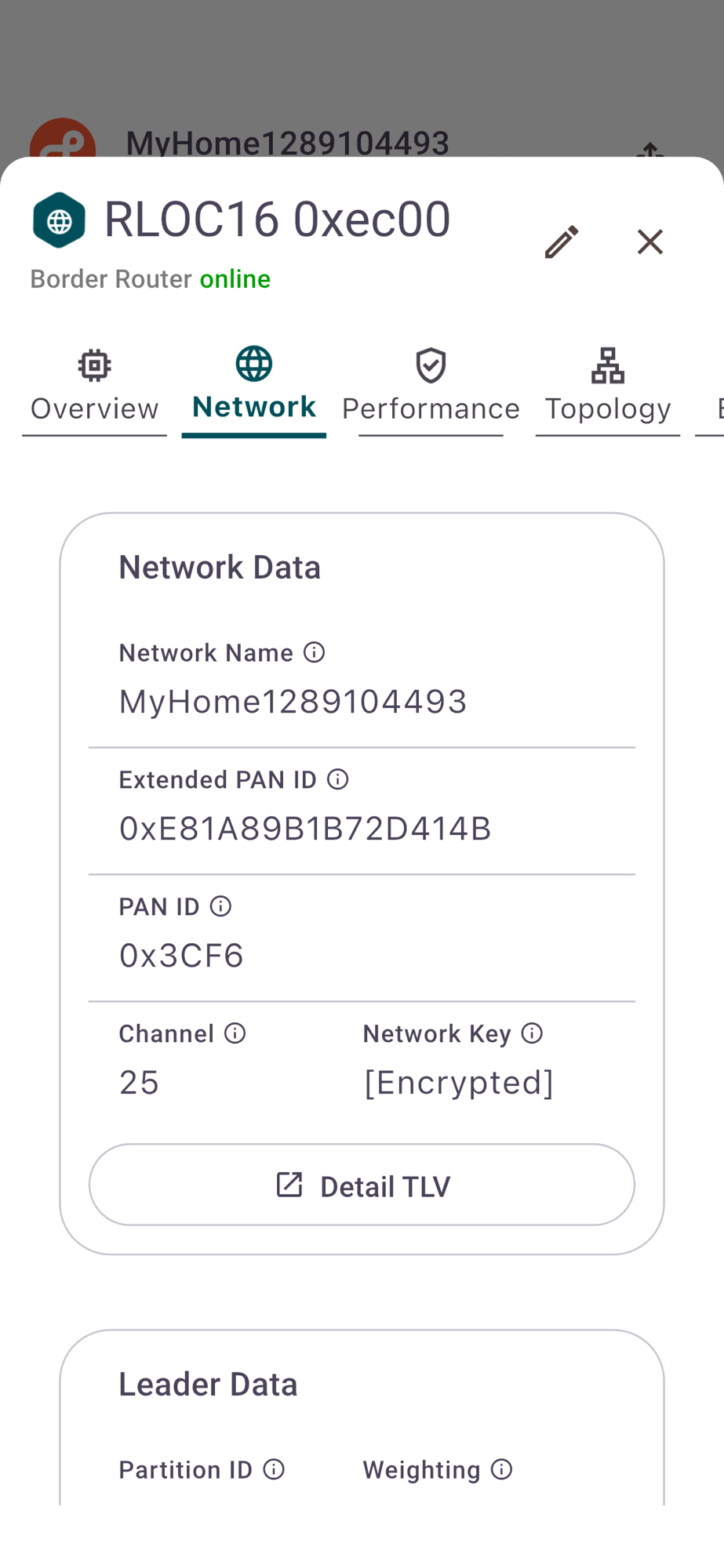
This time the Channel was 25, right at the quiet end of the WiFi spectrum.
My joy was shorted lived!
My joy, however, was short lived. No sooner did I try and commission a device onto my new network did I discover that the old PanID had restored itself on Channel 13!!
I realised that I didn’t check the iCloud part of the Keychain. Turns out there were 5 entries there, which I deleted.
I reset all my HomePods and I also performed a full reset of my AppleTV!
After a minute, the old OpenThread-1f62 network disappeared and a few minutes after that, a new network appeared.
Restoring everything
After adding the HomePod Minis back into iOS Home, they appeared as border routers.
All seems back to normal now, thankfully!
Did you enjoy this post?
If you found this blog post useful and want to say thanks, you’re welcome to buy me a coffee.
Be sure to check out my YouTube Channel too – https://youtube.com/tomasmcguinness
Thanks,
Tom!

Leave a Reply